
Affordable Gaming Mousepads That Still Feel Competitive
Find affordable gaming mousepads for dependable aim, durable surfaces, and useful control or speed without overspending on your competitive setup.
open --guide-mousepads READY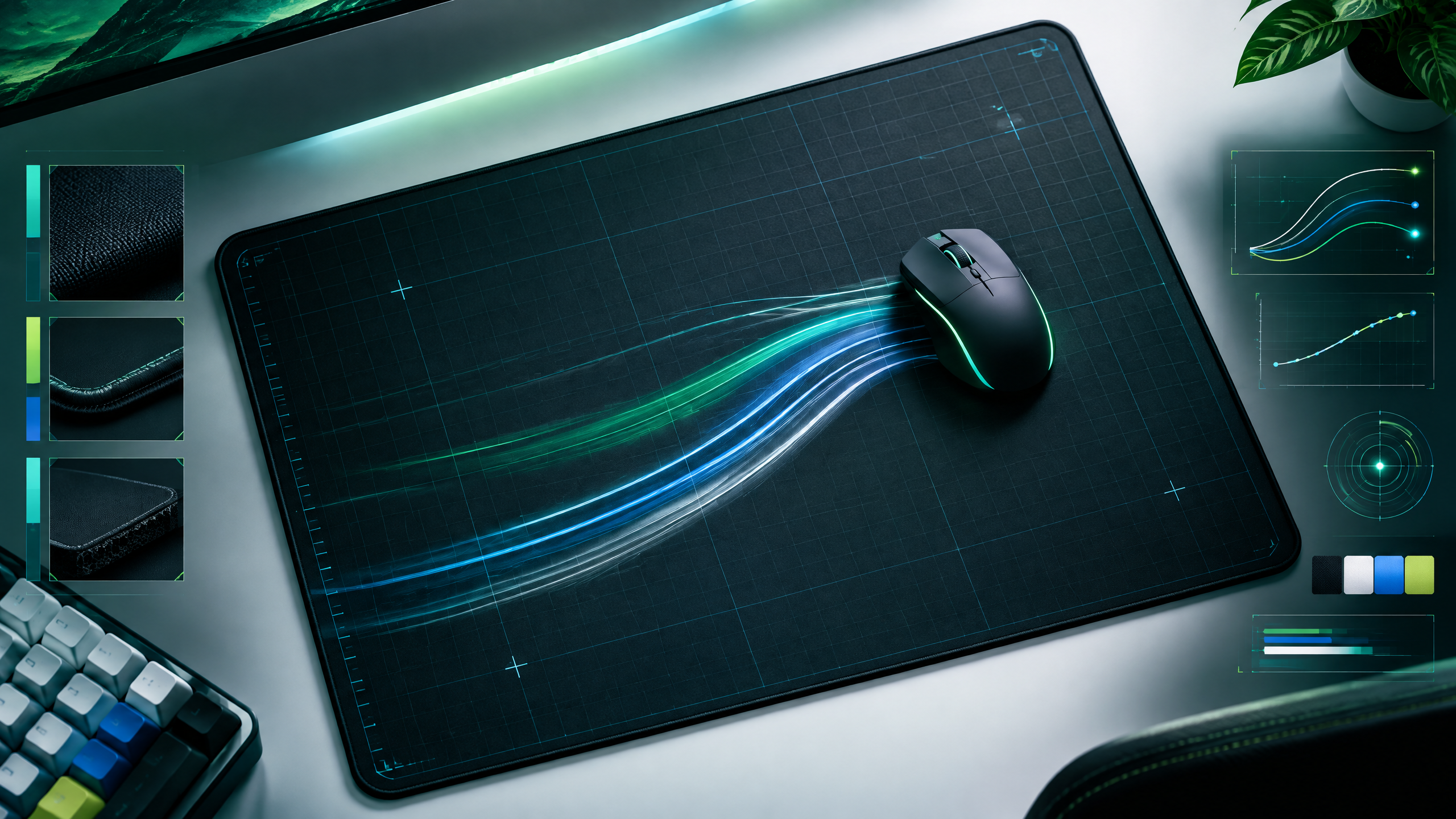
A limited budget does not mean settling for an inconsistent desk surface. This guide helps players compare inexpensive cloth, hard, and hybrid pads by glide, stopping power, thickness, and durability. Use the shortlist to match a surface to your sensitivity and available desk room, then choose a practical upgrade that protects mouse skates and keeps everyday aim predictable for longer sessions.
Surface feel changes how movement starts and stops. Read glide, friction, size, thickness, texture and maintenance together with your sensitivity, mouse weight and available desk space.
What a low-cost pad should deliver
A low-cost pad should deliver consistent tracking, durable stitching or edges, and a surface that doesn’t change behavior after a few weeks. It must offer predictable glide across its lifespan so muscle memory builds reliably. Materials should resist fraying and the base should stay grippy on common desk surfaces. Expect simple construction and focus on core performance attributes rather than premium cushioning or exotic coatings.
Control, speed, and surface materials compared
Cloth pads tend to offer controlled stopping and fine aim feedback, while hard surfaces prioritize speed and lower friction. Hybrids aim to sit between those extremes, giving moderate glide with some tactile feedback. Evaluate how the pad interacts with your sensor and skates: smoother surfaces favor flicks and quick repositioning, textured cloth benefits precision tracking. Choose a material that complements your sensitivity and mouse feet wear patterns.
How thickness and sizing affect value
Thickness affects both comfort and feel: thicker pads add cushioning and can mask small desk imperfections, while thinner pads give a firmer platform and closer desk contact. Sizing matters for wrist support and movement range—wider pads provide room for low-sensitivity arm swings, while compact pads keep desktop real estate for other peripherals. For value buys, prioritize dimensions and thickness that match your desk and control style.
A practical shortlist for different sensitivities
For different sensitivities, match pad type to the range of motion you use. Low-sensitivity players will benefit from larger pads with smooth glide and durable surfaces; high-sensitivity players can prioritize smaller, more textured pads for immediate stopping. Inspect edge stitching, base grip, and predictable surface behavior when choosing on a budget; a well-built inexpensive pad will preserve mouse skates and maintain consistent aim longer than a cheaper, poorly finished alternative.
Field check
Before you keep this choice, run the following short check in your own setup:
- Match surface behavior to sensitivity and mouse weight.
- Leave enough space for your widest useful swipe.
- Check edges, thickness and cleaning before judging glide.
Validate before you settle
Validate an affordable pad by checking surface consistency, edge durability, and how it matches your sensitivity and desk space. Prioritize predictable tracking and secure base grip over luxury extras. Brief real-world testing with your mouse will reveal whether the pad supports repeatable aim and long-term value.
Source and next route
This PlayerCFG field note is original editorial copy built from public settings and gear research. It does not reproduce the source article. For the underlying reference, visit Best Budget Gaming Mousepads in 2026 .
DATA NOTEThe article was modified Mar. 31, 2026 and includes established models whose pricing, stock, and specifications can change; verify current retailer details. Hero image is remotely hosted by ProSettings, so obtain permission or provide appropriate attribution before reuse. PlayerCFG is not affiliated with the referenced publisher, game studio or hardware brand.
OPEN PLAYER INDEX