
AK-47 Skin Blueprint for CS2 Inventories
Shape an AK-47 CS2 loadout around bold art, classic restraint, rarity, and budget with a fresh guide to memorable rifle finishes.
open --guide-skins READY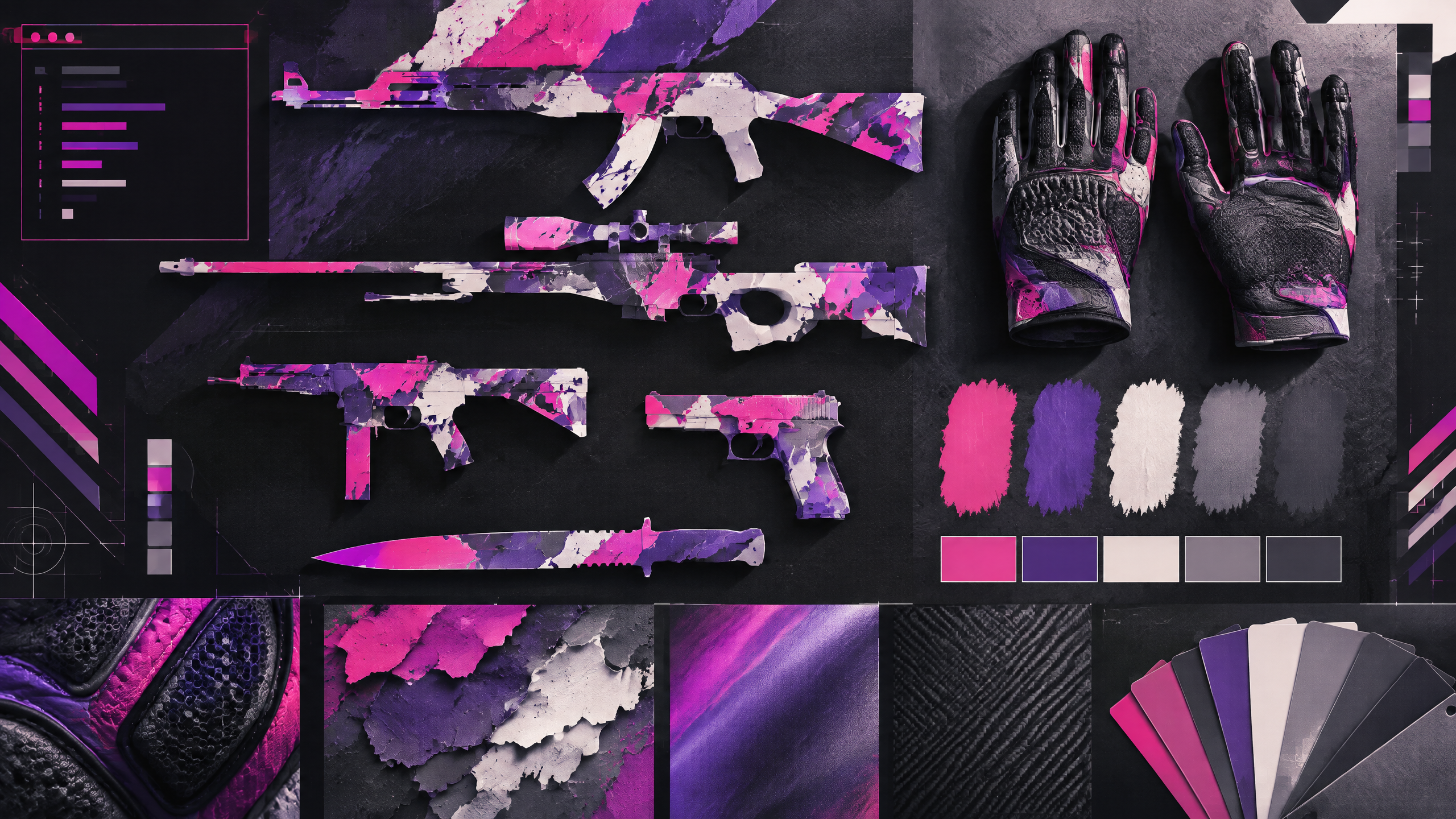
The AK-47 is often the visual anchor of a CS2 inventory, so choosing its finish can determine the direction of every later purchase. This adaptation looks past a single popularity ranking and gives players a framework for deciding between loud graphics, heritage designs, metallic color, and quiet craft surfaces. It also keeps condition, sticker plans, and the realities of a volatile skin market in view.
A strong cosmetic loadout has a point of view. Use color, contrast, wear, pattern and budget to build a visual system rather than copying one inventory or treating pro popularity as a buying instruction.
Choose an AK identity: heritage, neon, or restraint
Define the AK’s identity early—heritage designs emphasize classic markings and muted palettes, neon or loud options lean into modern, eye-catching graphics, and restrained craft surfaces favor texture and subtlety. The initial choice will steer later purchases and stickers, so prioritize the overarching mood you want the rifle to project. Consider how often the AK will be on screen and whether you want it to dominate an inventory or to be the tasteful centerpiece of a coordinated kit.
Map rarity and budget before browsing listings
Map rarity and budget before browsing listings to avoid emotional buys that don’t match your financial plan. Rarer finishes can carry premiums that reflect collector demand, while quieter craft pieces often deliver satisfying aesthetics for lower cost. Set clear parameters for how much you’ll spend on a main rifle and whether you value investment potential; this keeps browsing focused and prevents chasing fluctuating desirability at the cost of a cohesive setup.
Inspect wear and pattern details that change the impression
Inspect wear and pattern variation closely because small differences can dramatically change how the AK looks in play. Many patterns include regional or type-specific variances that affect where highlights fall on the receiver and stock; check photos or pattern indices when possible. Wear ratings influence color saturation and edge detail, so choose a condition that preserves the design’s defining elements under typical motion and viewing distances rather than relying on ideal inspection shots.
Add stickers and sidearms without losing cohesion
When adding stickers and sidearms, aim for cohesion by repeating accent colors or textures rather than layering too many competing elements. Place stickers to enhance, not obscure, the weapon’s main artwork. Coordinate the AK with sidearms and gloves that pick up secondary hues so the entire first-person view reads as a planned composition. Small, deliberate harmonies will keep the inventory feeling connected and intentional.
Field check
Before you keep this choice, run the following short check in your own setup:
- Choose a color anchor before adding more items.
- Inspect wear and pattern in the actual first-person view.
- Set a spending limit and treat market demand as changeable.
Validate before you settle
Confirm selections by viewing the rifle in motion and considering wear evolution over time. Balance desired identity with budget and realistic expectations about pattern variance. Finalize only after ensuring the AK works visually with accessories and remains consistent in typical gameplay conditions.
Source and next route
This PlayerCFG field note is original editorial copy built from public settings and gear research. It does not reproduce the source article. For the underlying reference, visit The Best AK Skins in CS2 (According To The Pros) .
DATA NOTEThe ProSettings OG image is found, but licensing/attribution status is unknown; use only with permission or replace with original visuals. Rankings, player counts, and market commentary are liable to age quickly. PlayerCFG is not affiliated with the referenced publisher, game studio or hardware brand.
OPEN CS2 INDEX