
Apex Legends PC Builds for Stable High FPS
Build an Apex Legends PC around stable high FPS, resolution goals, CPU-GPU balance, cooling, and sensible prebuilt or custom options for your budget.
open --guide-setups READY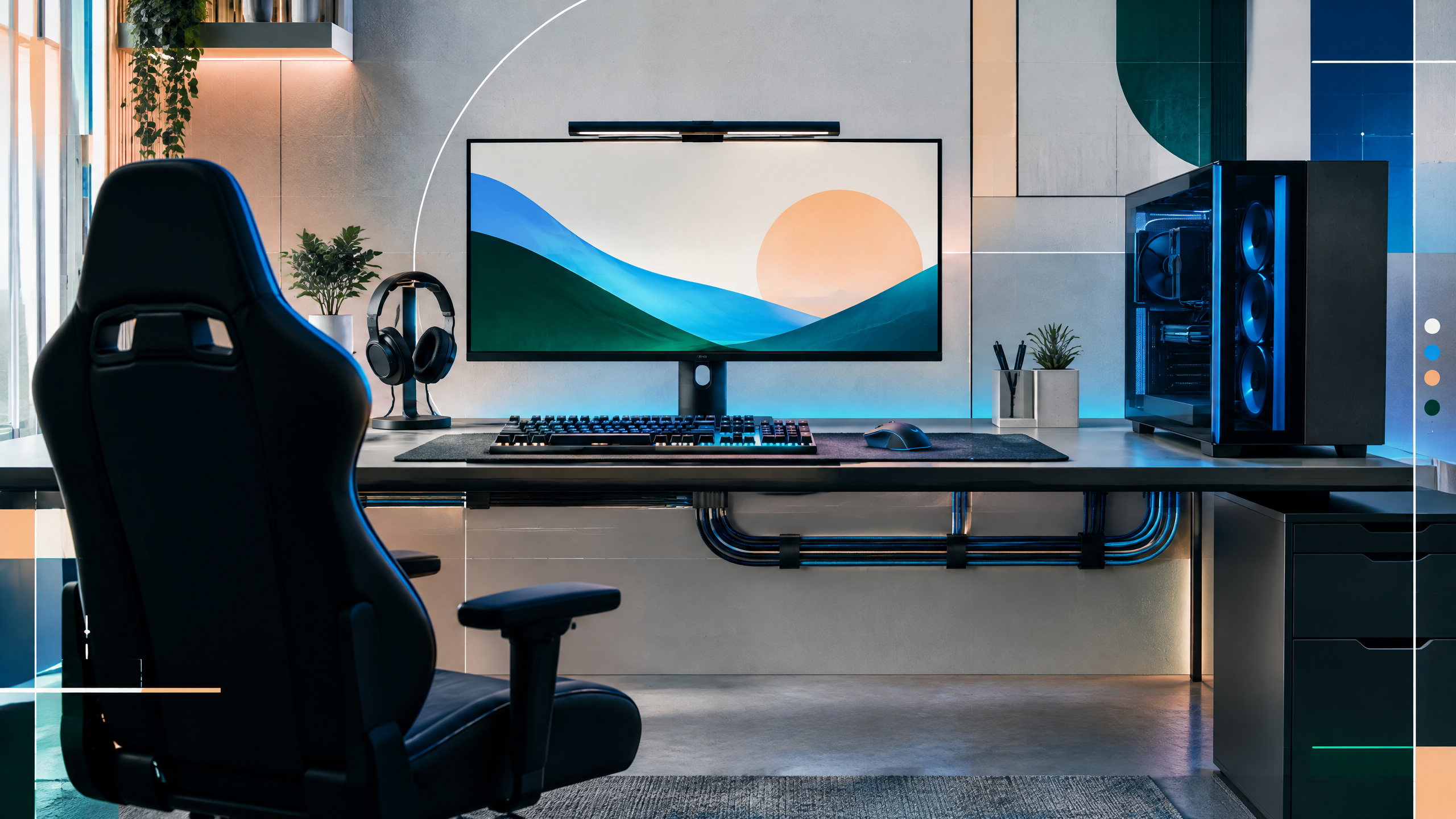
Apex Legends rewards a stable frame rate during fast fights, but a balanced system matters more than one premium component. We will outline practical PC tiers for 1080p, 1440p, and high-refresh play, then connect CPU choice, GPU headroom, memory, storage, cooling, and case airflow. The guide will help readers adapt a parts list to local pricing instead of treating one snapshot as universal.
The rest of the setup shapes every session. Desk depth, seating fit, hardware balance, thermals, cables and long-session comfort deserve the same deliberate attention as in-game settings.
Define resolution, cap, and refresh-rate goals
Start by deciding resolution, frame cap, and monitor refresh together. A 1080p 144Hz target needs less GPU headroom than 1440p high-refresh, while uncapped or high-refresh on ultrawide panels demands stronger cooling and power. Capping frame rate can smooth CPU load in chaotic fights, but it interacts with input latency and perceived smoothness. Match in-game target frametime to your display’s refresh and choose parts that sustain that frametime under heavy particle, smoke, and firefight loads rather than chasing peak benchmark numbers.
CPU-GPU balance for busy fights
CPU and GPU choices must complement each other during fast, chaotic fights where both draw on single-thread responsiveness and parallel shader throughput. Favor CPUs with strong single-core performance to reduce frame-time spikes from ability and physics processing, then pick a GPU that maintains steady frame delivery at your chosen resolution and preset. Avoid oversized GPUs on weak CPUs; the result is inconsistent frametimes in team fights. Balance memory speed and capacity to prevent stutters during large squad engagements and quick scene changes.
Custom builds versus ready-made systems
Custom builds give control over component balance and thermals, while ready-made systems can simplify compatibility and warranty concerns. Choose custom if you need specific cooling solutions, a quieter case, or a clear upgrade path; go prebuilt if time, warranty consolidation, and immediate testing matter more. In either case, verify power delivery quality, motherboard VRM capability for your CPU, and the case’s airflow characteristics. Prioritize components that directly affect in-combat performance rather than visual extras.
Upgrade headroom, thermals, and noise
Plan upgrades for headroom in both thermal and performance terms, and keep noise in mind since loud fans can mask subtle audio cues. Allocate budget to a capable cooler and a case with directed airflow; that preserves sustained performance in long sessions. Leave some PSU capacity for future GPU or storage additions, and choose RAM and storage that allow painless upgrades. Test for thermal throttling and noise at load, and prefer options that maintain steady frame delivery over short bursts of high FPS.
Field check
Before you keep this choice, run the following short check in your own setup:
- Measure the desk, chair or component before shopping.
- Prioritize stability, thermals and comfort over decorative extras.
- Recheck current pricing, warranty and compatibility before buying.
Validate before you settle
Before committing to parts, cross-check current availability, platform compatibility, and real-world frame-time behavior for your chosen resolution and refresh goal. Prioritize sustained frametime stability and thermal headroom over headline performance numbers. Plan for incremental upgrades and validate noise and cooling in your actual workspace to ensure long-term comfort and consistent in-match performance.
Source and next route
This PlayerCFG field note is original editorial copy built from public settings and gear research. It does not reproduce the source article. For the underlying reference, visit Best PC for Apex Legends – The Best Prebuilt and Custom Options .
DATA NOTELast modified Jun 17, 2025; component generations, prices, prebuilt stock, and compatibility need a current audit. Apex patches and drivers can change performance, so validate frame-rate claims on current software. The source image is found remotely; obtain a license or produce an original build image. PlayerCFG is not affiliated with the referenced publisher, game studio or hardware brand.
OPEN APEX INDEX