
Apex Legends GPU Guide for 1080p and 1440p
Find an Apex Legends GPU by balancing stable FPS, resolution, frame caps, CPU pairing, high-refresh monitors, and the cost of future-proofing your rig.
open --guide-setups READY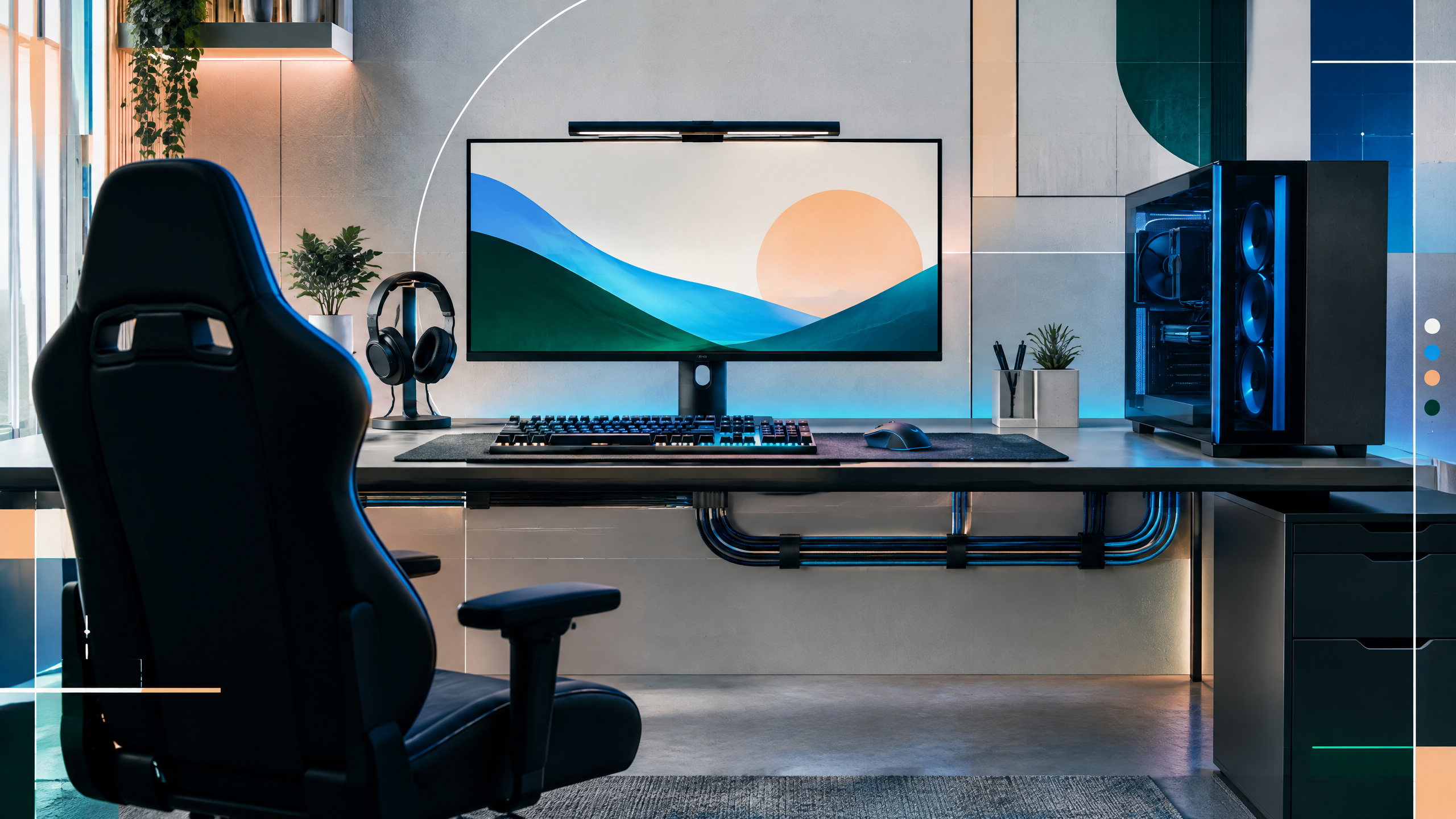
Apex Legends can reward a strong GPU, especially when moving beyond 1080p or aiming for a high-refresh display. This guide will compare cards by frame-rate target, resolution, game cap, CPU balance, latency support, and budget. It will also explain when extra performance is useful for other games and when a cheaper option already provides a stable competitive experience for ranked play.
The rest of the setup shapes every session. Desk depth, seating fit, hardware balance, thermals, cables and long-session comfort deserve the same deliberate attention as in-game settings.
Set goals around Apex's frame cap
Define a clear frame-rate target before selecting hardware: competitive players often prioritize stable, high refresh while casual players may accept lower, more consistent performance. Apex’s frame cap interacts with CPU and GPU differently depending on resolution and quality settings, so set realistic goals for competitive settings versus visual fidelity. Building around a target helps pick a GPU that reaches it reliably without creating an oversized system where the GPU’s extra peak headroom goes unused while other components struggle to keep up.
1080p versus 1440p GPU tiers
At 1080p, a midrange GPU that sustains high refresh at reduced-to-moderate settings usually offers the best balance between smooth play and cost. Moving to 1440p requires a step up — prioritize cards that maintain high frame rates at medium to high settings and hold frame-time stability under firefight loads. If you aim for ultra settings at 1440p, expect to need considerably more GPU power; for most players looking for competitive consistency, moderate settings with a capable mid-to-high GPU often deliver the best experience.
CPU balance and latency considerations
Keep the CPU and memory in mind: Apex can be sensitive to CPU limitations during intense moments, so pair your GPU with a processor that avoids creating frame-time spikes. Latency features supported by the GPU and drivers can reduce input delay, but they are complementary to a well-optimized system. Trim background processes, ensure fast RAM when possible, and prioritize stable driver releases to minimize hitching and improve responsiveness over raw frame-counts alone.
Future-proofing without buying needless power
Future-proofing is about diminishing returns: buying the next tier up buys headroom for higher resolution, new visual features, and longer useful life, but excessive overprovisioning rarely changes the day-to-day competitive experience. If you play multiple modern titles or plan to upgrade your monitor, invest in more GPU performance. Otherwise, select a balanced card that meets your frame targets today and offers reasonable upgrade value later rather than the top-of-the-line option that you won’t fully utilize.
Field check
Before you keep this choice, run the following short check in your own setup:
- Measure the desk, chair or component before shopping.
- Prioritize stability, thermals and comfort over decorative extras.
- Recheck current pricing, warranty and compatibility before buying.
Validate before you settle
Confirm your selection by matching the GPU to your desired frame targets, monitor refresh, and CPU capability. Test in-game under typical conditions to check for stable frame timing and latency. Prioritize predictable performance and sensible headroom rather than raw peak numbers, and revisit choices if you change resolution or broaden your gaming library.
Source and next route
This PlayerCFG field note is original editorial copy built from public settings and gear research. It does not reproduce the source article. For the underlying reference, visit Best GPU for Apex Legends .
DATA NOTELast modified May 13, 2024; several listed generations and performance figures are dated, while Apex patches, drivers, prices, and frame-cap behavior evolve. Rebenchmark before launch. The remote source image is found; obtain permission or replace it. PlayerCFG is not affiliated with the referenced publisher, game studio or hardware brand.
OPEN APEX INDEX