
Apex Legends Monitor Picks for Fluid Tracking
Choose an Apex Legends monitor by comparing refresh rate, resolution, panel technology, motion clarity, and value for fast battle-royale play.
open --guide-monitors READY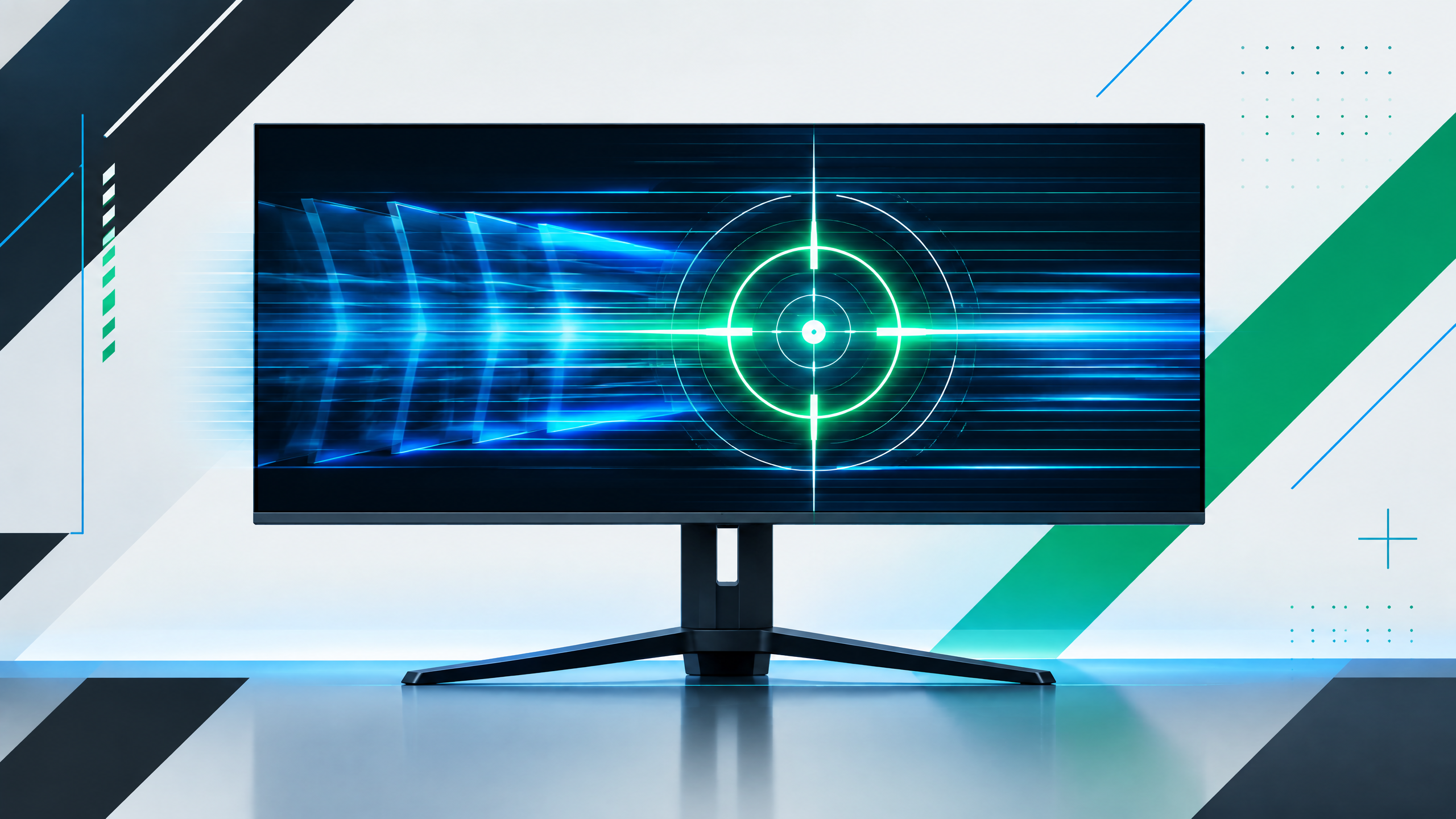
Apex Legends puts constant pressure on tracking, movement, and split-second reactions, so display behavior can shape how readable a fight feels. A competitive setup should begin with stable frame delivery and a refresh rate that your hardware can actually use. From affordable 1080p esports panels to premium OLED options, this guide frames the decision around motion clarity, resolution, color, and budget instead of treating one specification as universally best.
The useful question is not simply which monitor has the largest number. Match refresh rate, frame delivery, response behavior, resolution, panel character and the limits of your PC to the way you play.
Build around stable frames before chasing refresh
Begin with ensuring stable frame delivery before chasing higher refresh; fluid tracking depends on consistent frames more than a peak refresh rating. Optimize in-game settings and GPU load so the monitor’s refresh can be used effectively, since inconsistent frame pacing undermines perceived motion clarity during firefights.
1080p versus 1440p for fast battle-royale play
Choose resolution by weighing the benefit of sharper targets against the GPU cost of higher pixel counts. 1080p eases achieving high refresh and clearer motion at lower hardware cost, while 1440p improves detail at the expense of frame headroom. Pick the resolution that lets you maintain stable frame rates in typical large-scale fights.
Panel choices: motion clarity, color, and viewing angles
Panel characteristics shape motion clarity and target visibility: prioritize low pixel response and minimal persistence to reduce blur during fast turns. Color and viewing angles matter for squad communication and broader visibility, so consider whether pure motion priority or a balanced image experience better fits your play habits. Test how targets look during quick rotations and long-distance encounters.
Budget, premium, and all-rounder monitor paths
Define a monitor path based on budget and priorities: an affordable 1080p high-refresh panel for focused tracking, a midrange 1440p all-rounder for better visuals with reasonable frame rates, or premium options for the best color and response when GPU headroom allows. Choose the path that keeps motion smooth in the scenarios you encounter most often.
Field check
Before you keep this choice, run the following short check in your own setup:
- Check the frame rate your PC can actually sustain.
- Compare motion clarity at your intended refresh rate.
- Treat resolution, panel type and comfort as part of the same decision.
Validate before you settle
Confirm your monitor by testing motion clarity and frame stability in typical matches and skirmishes. Prioritize sustained frame delivery and clear target readability over headline specs. Upgrade progressively when your hardware consistently supports the next step in refresh or resolution.
Source and next route
This PlayerCFG field note is original editorial copy built from public settings and gear research. It does not reproduce the source article. For the underlying reference, visit Best Monitor for Apex Legends .
DATA NOTEThis guide includes a newer 1440p OLED recommendation alongside legacy 1080p TN/IPS options, so its broader hardware advice is evolving and should be refreshed regularly. The image is remote-hosted by ProSettings; confirm licensing and attribution before reuse. PlayerCFG is not affiliated with the referenced publisher, game studio or hardware brand.
OPEN APEX INDEX