
How to Build a CS2 Skin Collection With Visual Intent
Design a CS2 skin collection around color, contrast, rarity, and budget with a practical visual-loadout framework inspired by pro inventories.
open --guide-skins READY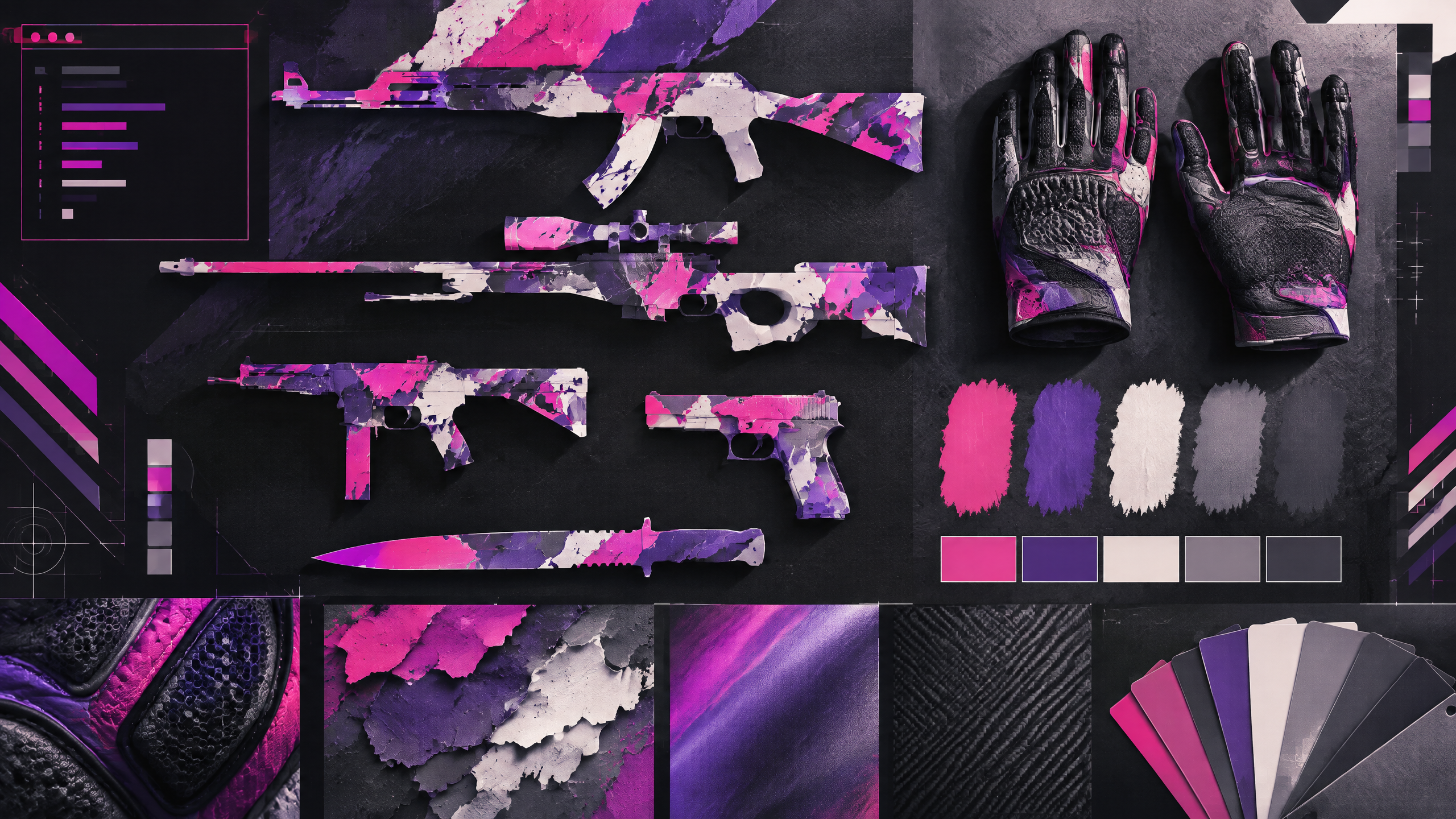
A memorable CS2 inventory is rarely just a pile of expensive items; it has rhythm, contrast, and a point of view. This adaptation uses the pro scene as inspiration while giving players a more flexible planning method. Start with a visual anchor, add supporting colors, decide where rarity matters, and reserve budget for the pieces seen most often. The goal is a collection that feels intentional, whether it is modest or aspirational.
A strong cosmetic loadout has a point of view. Use color, contrast, wear, pattern and budget to build a visual system rather than copying one inventory or treating pro popularity as a buying instruction.
Pick an anchor item and a limited color system
Start with a single visual anchor that defines the collection’s tone: a primary knife, glove set, or a standout rifle finish. Limit your palette to two or three complementary colors to keep items readable and consistent across maps. Use the anchor’s texture and saturation as a rule for supporting pieces—matte anchors pair with subtle textures, bright anchors allow plainer companions. This constraint makes future additions easier to evaluate and prevents the inventory from becoming a mismatched assortment.
Distribute the budget across what you see most
Allocate most of your budget to the items you’ll see every round, such as your main rifle, gloves, and knife. Secondary weapons, pistols, and less-used utilities can be less costly yet follow the same palette. Think of cost distribution as frequency-weighted: spend more on pieces that dominate screen time, less on situational items. This ensures that the visual identity is clear to you and teammates while keeping room for occasional statement purchases.
Use contrast, texture, and wear to avoid visual noise
Contrast, texture, and wear stop a collection from becoming visually noisy or flat. Introduce contrast with one high-sheen or patterned piece against mostly matte components, and vary texture subtly rather than layering competing patterns. Use wear to dial brightness and edge definition—lower wear tends to look cleaner, while higher wear can add character if used intentionally. Keep a careful eye on how items read together at typical distances and lighting to avoid a muddled appearance.
Plan upgrades without losing the collection's identity
When planning upgrades, preserve the core identity by swapping within color and finish families rather than chasing isolated trend pieces. Reserve upgrade budget for items that elevate screen time pieces first, and seek trade paths that minimize collateral mismatches. If a desirable upgrade changes the anchor dramatically, plan complementary changes to gloves or primary rifles to maintain coherence. Incremental, intentional swaps maintain the collection’s signature without erasing what made it work.
Field check
Before you keep this choice, run the following short check in your own setup:
- Choose a color anchor before adding more items.
- Inspect wear and pattern in the actual first-person view.
- Set a spending limit and treat market demand as changeable.
Validate before you settle
Treat the collection as a cohesive wardrobe: start with an anchor, stay within a compact palette, and spend where you’ll actually notice improvements. Review items in gameplay lighting and update one element at a time to preserve identity. This mindset keeps the inventory intentional and adaptable as style preferences evolve.
Source and next route
This PlayerCFG field note is original editorial copy built from public settings and gear research. It does not reproduce the source article. For the underlying reference, visit The Best CS2 Skins (According To The Pros) .
DATA NOTEThe page exposes a ProSettings OG image; image licensing and attribution are not confirmed, so do not republish it without permission. The source is a broad pro-inventory snapshot and should be refreshed as the CS2 market and scene evolve. PlayerCFG is not affiliated with the referenced publisher, game studio or hardware brand.
OPEN CS2 INDEX