
The Competitive Player's Guide to Choosing a Mousepad
Learn how to choose a gaming mousepad by glide, friction, size, thickness, material, and durability, with competitive recommendations for every playstyle.
open --guide-mousepads READY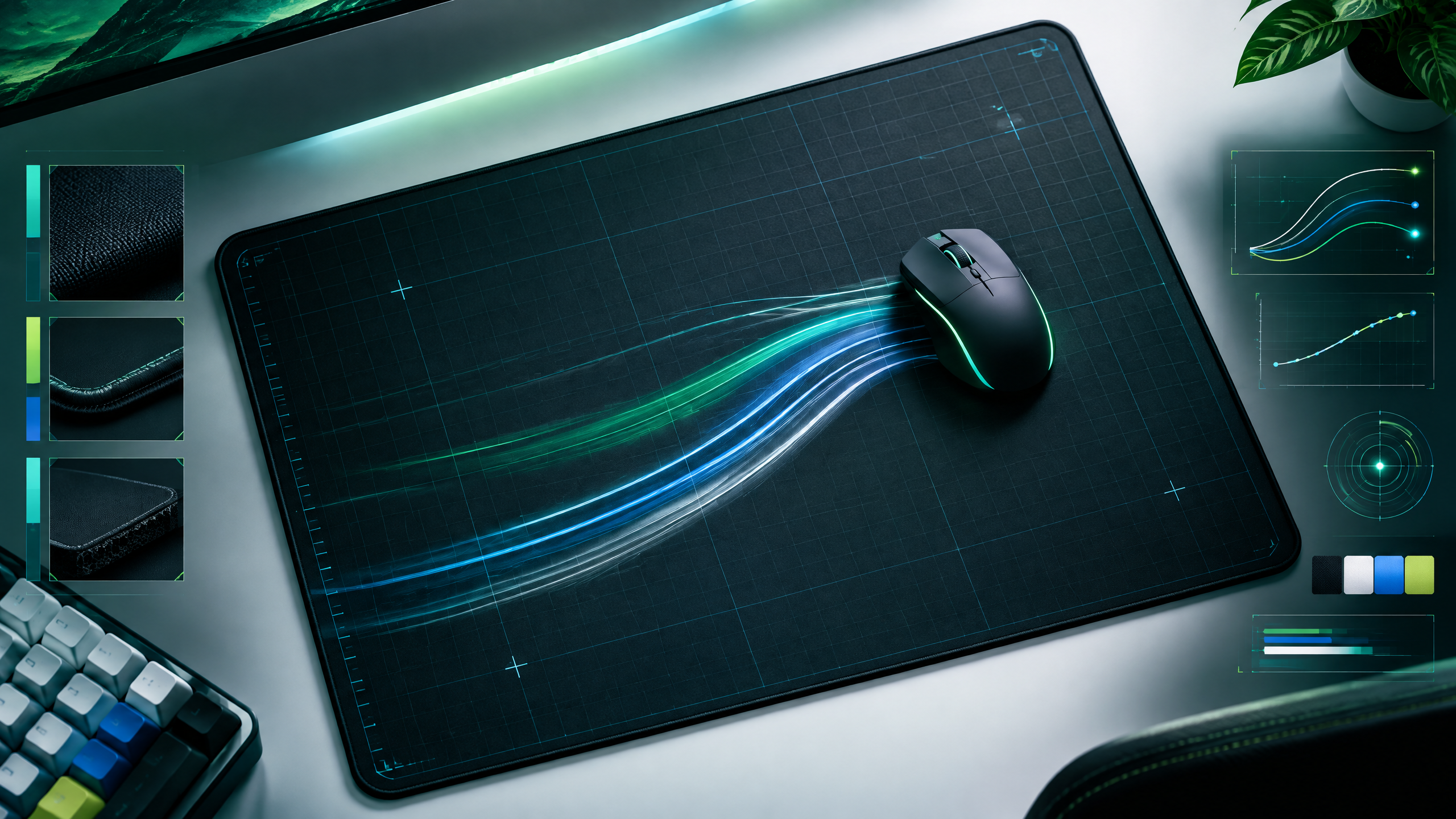
The right mousepad is the quiet foundation beneath every swipe, correction, and stop. This guide gives players a practical way to compare control, speed, hybrid, hard, glass, and custom surfaces without treating one model as universally best. Start with sensitivity and desk dimensions, then weigh friction, cushioning, maintenance, and longevity to build a setup that feels repeatable across long sessions and different games.
Surface feel changes how movement starts and stops. Read glide, friction, size, thickness, texture and maintenance together with your sensitivity, mouse weight and available desk space.
Build a surface profile from your sensitivity
Start by defining your sensitivity and the range of motion you use; these two factors determine ideal pad size and surface speed. Low-sensitivity players need more surface area and often favor smoother pads for long sweeps, while high-sensitivity players benefit from smaller, textured pads for nimble corrections. Let your habitual control style anchor the rest of the build decisions.
Understanding static and dynamic friction
Static friction determines the initial resistance when you start a movement, while dynamic friction affects sustained glide; both influence aim feel. Surfaces with low static friction favor quick first movements, while higher static friction grants precise initial placement. Dynamic friction controls how easily you stop or slide; balance these properties according to whether you prioritize controlled aim or rapid repositioning.
Size, thickness, and desk compatibility
Size and thickness affect comfort and how the pad integrates with your desk layout. Large pads give freedom for sweeping motions and add wrist support, but they require a spacious desk. Thickness provides cushioning and can smooth small desk imperfections, while thinner pads offer a firmer, closer-to-desk feel preferred by some pros. Ensure the pad's footprint matches your mouse movement and peripheral placement.
When to choose cloth, hybrid, glass, or hard pads
Choose cloth for consistent control and forgiving feedback, hybrids for balanced speed and stopping, hard or glass for maximum glide with lower friction. Consider maintenance: cloth pads may require periodic cleaning, while hard surfaces resist staining but can escalate mouse skate wear. Match material selection to your sensitivity, preferred stopping behavior, and how frequently you’re willing to maintain the surface.
Field check
Before you keep this choice, run the following short check in your own setup:
- Match surface behavior to sensitivity and mouse weight.
- Leave enough space for your widest useful swipe.
- Check edges, thickness and cleaning before judging glide.
Validate before you settle
Validate choices by matching pad speed and size to your sensitivity and desk layout, then trial the material with your mouse to check static and dynamic feel. Prioritize predictable behavior and maintenance needs over trends or aesthetic extras. Brief, function-focused testing will confirm which surface supports repeatable aim and comfort across sessions.
Source and next route
This PlayerCFG field note is original editorial copy built from public settings and gear research. It does not reproduce the source article. For the underlying reference, visit Best Gaming Mousepad .
DATA NOTEThis broad guide was last modified Feb. 24, 2025 while its professional usage figures update dynamically; product rankings and model availability should be revalidated. It includes older and newer surface types, so avoid presenting every recommendation as equally current. Remote hero image requires permission or attribution before publication. PlayerCFG is not affiliated with the referenced publisher, game studio or hardware brand.
OPEN PLAYER INDEX