
CS2 PC Builds for 144Hz, 240Hz, and Beyond
Plan a CS2 gaming PC around CPU strength, GPU headroom, high-refresh targets, upgrade paths, and realistic budget tiers for competitive play.
open --guide-setups READY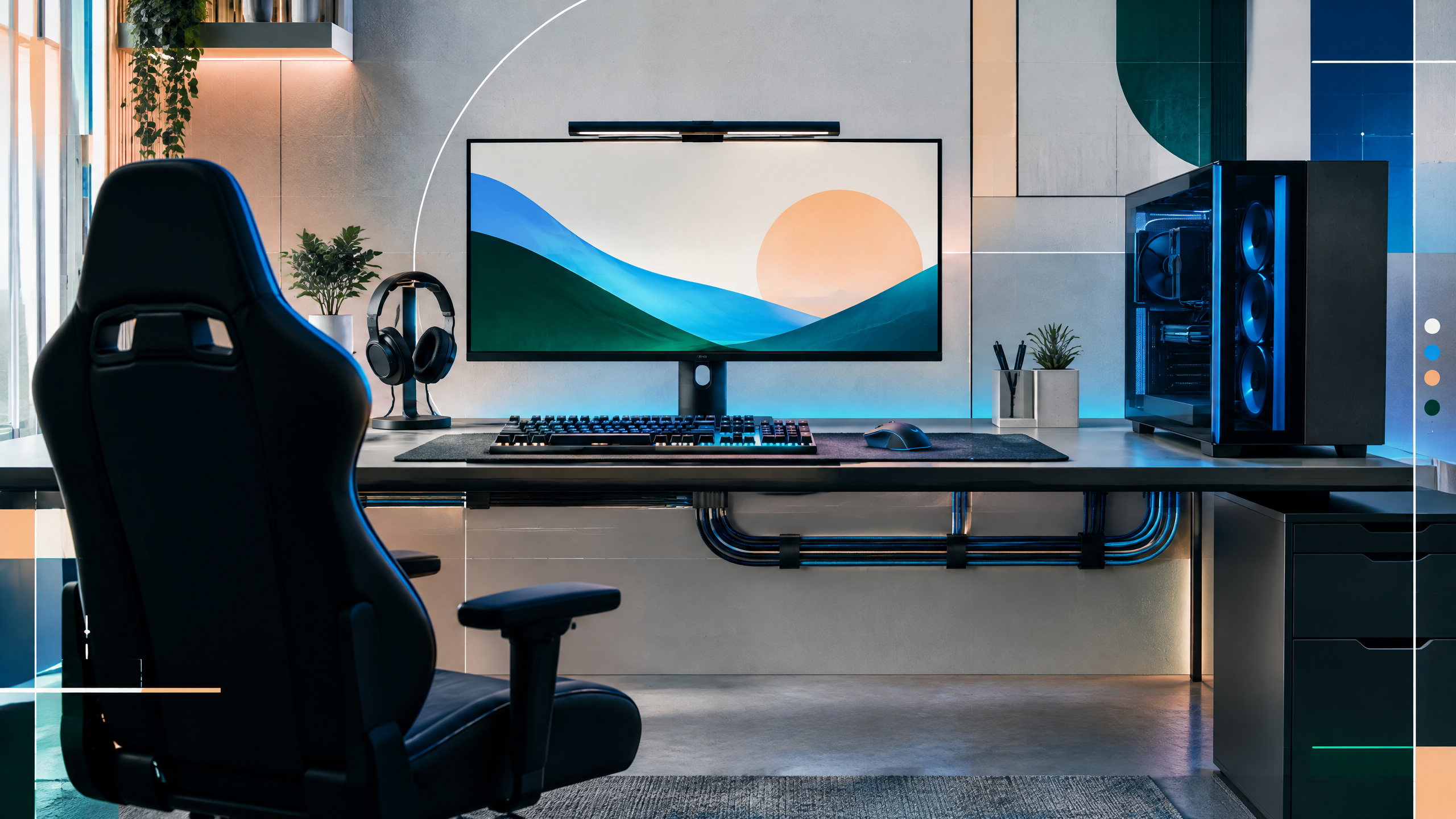
A CS2 build should be planned around frame-time consistency and the monitor you actually own, not just the largest GPU available. This guide will map budget, performance, and enthusiast tiers across CPU, graphics, memory, storage, power, cooling, and case airflow. It will also flag when a prebuilt makes sense and when an older parts list needs a compatibility or price check before purchase.
The rest of the setup shapes every session. Desk depth, seating fit, hardware balance, thermals, cables and long-session comfort deserve the same deliberate attention as in-game settings.
Build around the CPU and monitor first
Center the build around the CPU choice and the monitor’s refresh target: competitive refresh rates demand low-latency, consistent frame delivery more than peak graphical fidelity. Select a processor and platform that provide enough cores and single-thread headroom for the game while leaving margin for background tasks and future updates. Align memory speed and capacity with the CPU’s strengths, and ensure your case and cooling allow sustained performance rather than short bursts.
Three system tiers for competitive refresh rates
Define three tiers—budget, midrange, and enthusiast—by balancing CPU, GPU, and memory to match likely refresh rates. The budget tier should prioritize components that maintain stable 144Hz performance at modest settings, midrange aims for higher refresh at balanced visual quality, and enthusiast targets the highest refreshes with frame consistency as the primary goal. Allocate budget to the component that most affects your target refresh: GPU for higher resolutions, CPU for very high frame ceilings.
Power, cooling, storage, and airflow checks
Power supply capacity, case airflow, and cooling solutions are essential to keep frame times steady during long sessions. Choose a PSU with reliable headroom and efficiency, and confirm case airflow supports exhaust and intake for GPU and CPU cooling under load. Fast storage reduces load and level streaming times but has less impact on frame pacing; prioritize NVMe or fast SSDs for system responsiveness. Good cooling and stable power prevent thermal throttling that can disrupt frame consistency.
When a prebuilt beats a custom parts list
A prebuilt can be the sensible choice when it offers a verified thermal design, warranty convenience, and tested compatibility that would be difficult or time-consuming to achieve assembling parts. Custom builds give finer control over component selection and future upgrades but require time to verify cooling and BIOS settings. If the prebuilt’s component balance and cooling meet your refresh goals, it can save setup time; otherwise, custom builds provide more targeted performance per dollar.
Field check
Before you keep this choice, run the following short check in your own setup:
- Measure the desk, chair or component before shopping.
- Prioritize stability, thermals and comfort over decorative extras.
- Recheck current pricing, warranty and compatibility before buying.
Validate before you settle
Plan around the monitor and CPU first, then balance GPU and supporting systems to maintain stable frame times for your target refresh. Verify power, cooling, and storage choices to avoid throttling. Whether you choose a prebuilt or custom build, prioritize predictable performance and upgrade pathways over chasing single-component peaks.
Source and next route
This PlayerCFG field note is original editorial copy built from public settings and gear research. It does not reproduce the source article. For the underlying reference, visit Best PC for CS2 – The Best Prebuilt and Custom Options .
DATA NOTELast modified Jun 17, 2025; parts lists, prices, platform compatibility, BIOS support, and prebuilt inventory are especially perishable. CS2 patches and drivers can shift FPS, so rerun current benchmarks. The remote hero image is found; license it or replace it with original build photography. PlayerCFG is not affiliated with the referenced publisher, game studio or hardware brand.
OPEN CS2 INDEX