
CS2 GPU Guide: Match the Card to Your Monitor
Choose a GPU for CS2 by matching resolution, target FPS, CPU balance, refresh rate, and current-generation value instead of chasing benchmark numbers alone.
open --guide-setups READY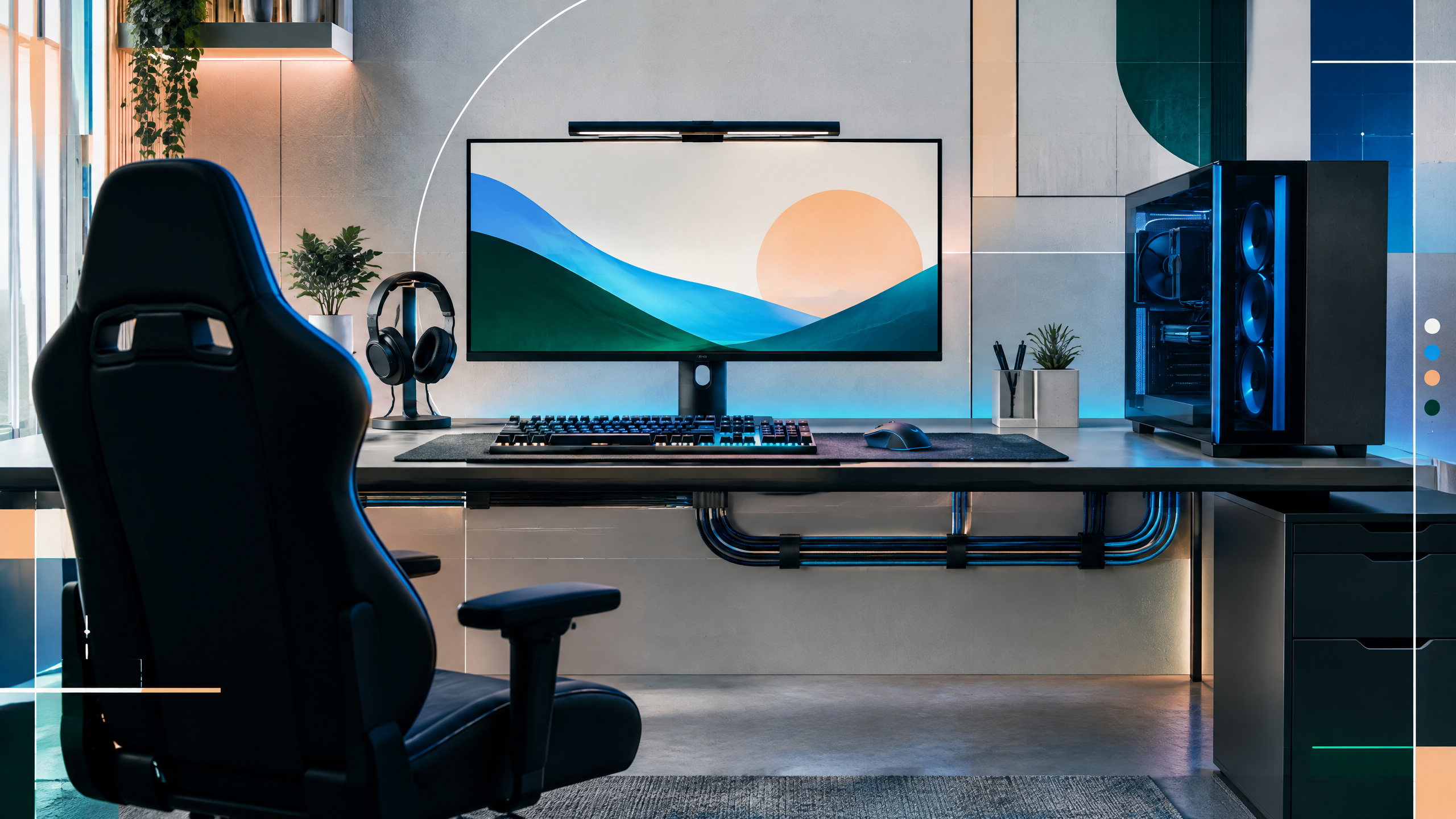
CS2 performance is shaped by more than the graphics card on the box. This guide will help readers match a GPU to resolution, target frame rate, monitor refresh, CPU capability, and the rest of the system. It will separate competitive settings from high-fidelity play, explain why estimates vary across patches and test rigs, and frame current cards as a buying shortlist rather than a permanent ranking.
The rest of the setup shapes every session. Desk depth, seating fit, hardware balance, thermals, cables and long-session comfort deserve the same deliberate attention as in-game settings.
Start with your monitor and frame-time target
Begin by matching GPU capability to your monitor’s resolution and target frame rate; higher refresh displays demand more consistent frame delivery than static averages. Identify whether your primary goal is maximum frame headroom for competitive play or smoothing visual quality at higher resolutions. Use your desired frame-time stability as the baseline—pairing a powerful card with a low-refresh monitor wastes budget, while underpowered hardware at high refreshes creates inconsistent performance.
Why CS2 can become CPU-limited
CS2 can shift into CPU-limited behavior depending on resolution, core counts, and in-game scenarios that emphasize simulation or tickrate. Lower resolutions and very high frame targets expose CPU bottlenecks more readily, so balance the GPU choice against a capable processor that won’t throttle frame pacing. Consider system memory speed and background workload as well; an otherwise adequate GPU can be hamstrung by a weak CPU or overloaded system processes during matches.
GPU tiers for 1080p, 1440p, and 4K
Group GPUs by practical tiers for typical resolutions: 1080p competitive play often prioritizes raw frame consistency, 1440p balances fidelity and frame rate, and 4K emphasizes visual richness over ultra-high refresh. Choose a tier that aligns with your monitor and whether you prioritize ultra-high refreshes or visual settings. Keep in mind that increasing resolution shifts workload from CPU to GPU, so resolution choice directly affects where to allocate budget between components.
Reading benchmark estimates without overpromising
Treat benchmark numbers as directional rather than absolute; test rigs, drivers, and settings produce wide variance, and patches can change performance profiles. Use published estimates to narrow options, then seek consistency in frame-time behavior and reported stability at your target settings. Factor in upgrade paths and power/cooling requirements, and avoid assuming a single numbers table guarantees in-game experience for your specific system configuration.
Field check
Before you keep this choice, run the following short check in your own setup:
- Measure the desk, chair or component before shopping.
- Prioritize stability, thermals and comfort over decorative extras.
- Recheck current pricing, warranty and compatibility before buying.
Validate before you settle
Match GPU selection to your monitor and frame-time goals, then ensure the CPU and system complement that choice to avoid bottlenecks. Use benchmarks as a narrowing tool and validate expected frame stability in environments similar to yours. Prioritizing balance over headline numbers yields a smoother, more predictable gaming experience.
Source and next route
This PlayerCFG field note is original editorial copy built from public settings and gear research. It does not reproduce the source article. For the underlying reference, visit Best GPU for CS2 .
DATA NOTELast modified May 12, 2026, but GPU pricing, stock, drivers, CS2 patches, CPU pairings, and benchmark methodology can change quickly; retest all FPS claims. The source hero image is found in remote metadata, so obtain licensing permission or replace it. PlayerCFG is not affiliated with the referenced publisher, game studio or hardware brand.
OPEN CS2 INDEX