
Precision Inputs for Dota 2
Use pro usage as a clue, then compare Dota 2 mice by click consistency, comfort, sensor quality, buttons, and wired or wireless reliability.
open --guide-mice READY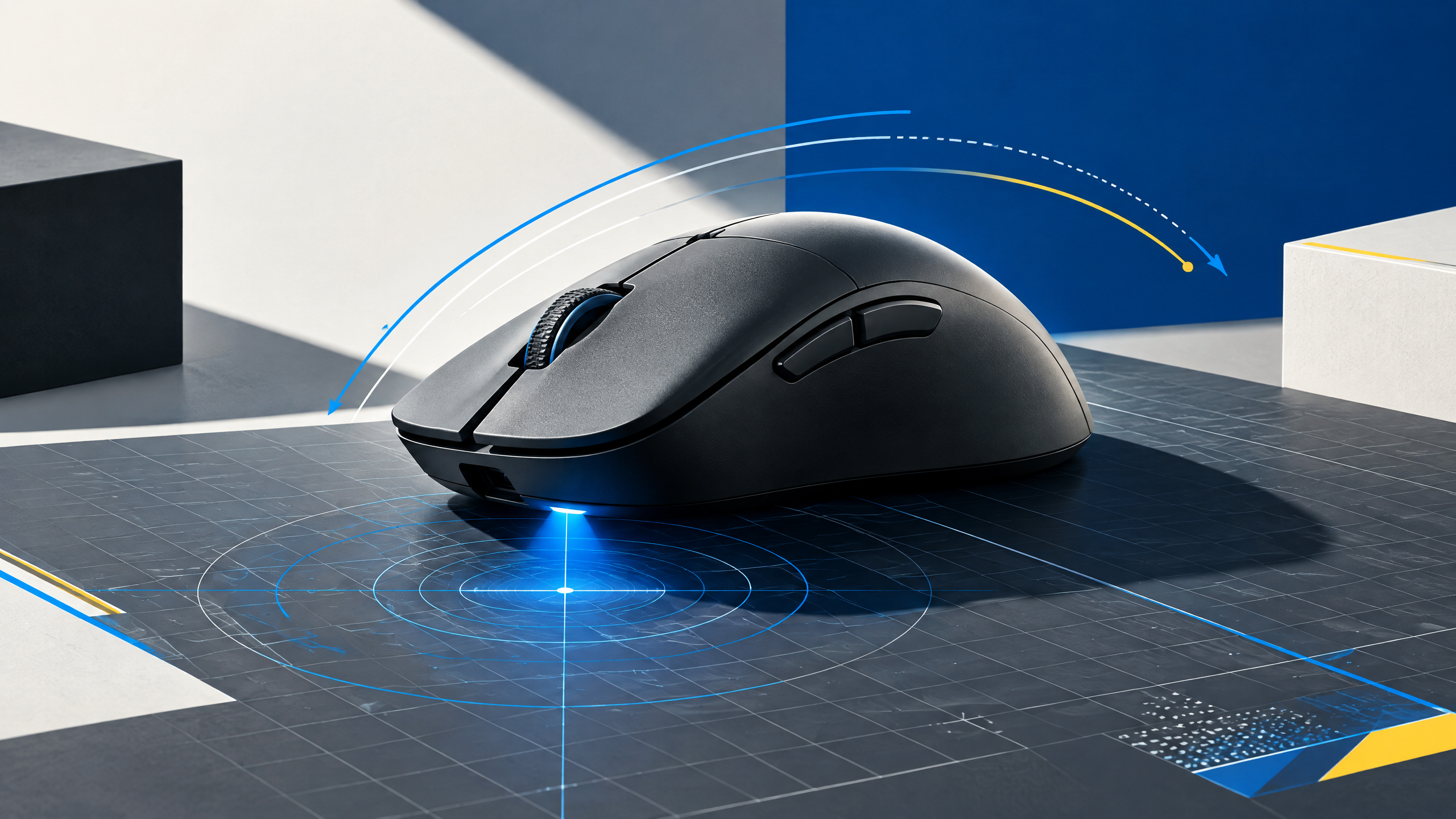
Dota 2 does not demand the same tracking profile as a tactical shooter, yet every missed command still costs time and control. A useful mouse for the game should deliver dependable clicks, a comfortable shape, clear side inputs, and a connection that never distracts from decision-making. This adaptation turns competitive usage into a practical checklist for both MOBA specialists and mixed-genre players.
A mouse is the physical link between intention and movement. Shape, grip, weight, sensor behavior, clicks, and wireless execution should be evaluated together; headline specifications alone cannot tell you whether a shell fits your hand.
Prioritize repeatable clicks over gaming jargon
Prioritize repeatable, crisp click feedback and motion consistency over marketing jargon. A mouse that registers consistent left-clicks and minimizes accidental double-activations improves last-hitting and quick spell casts more than marginal DPI headroom. Check primary switch feel under rapid, repeated use and ensure the actuation is obvious enough to avoid micro-timing errors during precise cast sequences.
Pick comfort for long farming and team-fight sessions
Comfort for long farm and team-fight sessions reduces fatigue and supports sustained decision-making. Choose a shell that keeps your hand relaxed while enabling quick shift-aims and control inputs. Soft thumb rests and a stable palm contact area help during extended play, while a balanced mass prevents downward or sideways drift when holding cursor positions for last hits or multi-click micro-adjustments.
Decide whether extra buttons improve your bindings
Extra buttons can speed bindings but only if they’re reliably placed and identifiable by touch. Map crucial commands—items, quick-cast toggles, or communication binds—to inputs you can hit without breaking visual focus. Prefer fewer, well-placed keys to a crowded, indistinct cluster. Software-driven layers are useful, but only when profile switching is predictable and won’t interrupt gameplay mid-match.
Use pro gear as context, not a mandate
Pro setups can inform shape and feature choices, but treat them as context rather than prescription. Consider how you use hybrid libraries that mix MOBAs with shooters or action titles; confirm the sensor and click behavior hold up across genres. Select gear that supports your control needs first, and let professional trends guide the ergonomic archetype rather than dictate a single model.
Field check
Before you keep this choice, run the following short check in your own setup:
- Measure hand position and grip before comparing brands.
- Test the shell with your real sensitivity and mousepad.
- Ignore features that add complexity without improving control.
Validate before you settle
Validate mouse choices with realistic in-game tasks: last-hitting, quick cast sequences, and sustained rotation practice. Ensure clicks, comfort, and key placement stay reliable during longer sessions before making a final decision.
Source and next route
This PlayerCFG field note is original editorial copy built from public settings and gear research. It does not reproduce the source article. For the underlying reference, visit Best Mouse for DOTA 2 .
DATA NOTEThe page is older than several other game guides and includes notably dated models, including Sensei RAW; refresh recommendations. Image is a remote ProSettings asset and requires licensing/attribution review. PlayerCFG is not affiliated with the referenced publisher, game studio or hardware brand.
OPEN DOTA 2 INDEX