
Fortnite GPU Guide: Performance Mode vs DX12
Pick a Fortnite GPU by comparing Performance Mode and DX12, resolution, target FPS, VRAM, CPU balance, and the cost of high-end visual settings.
open --guide-setups READY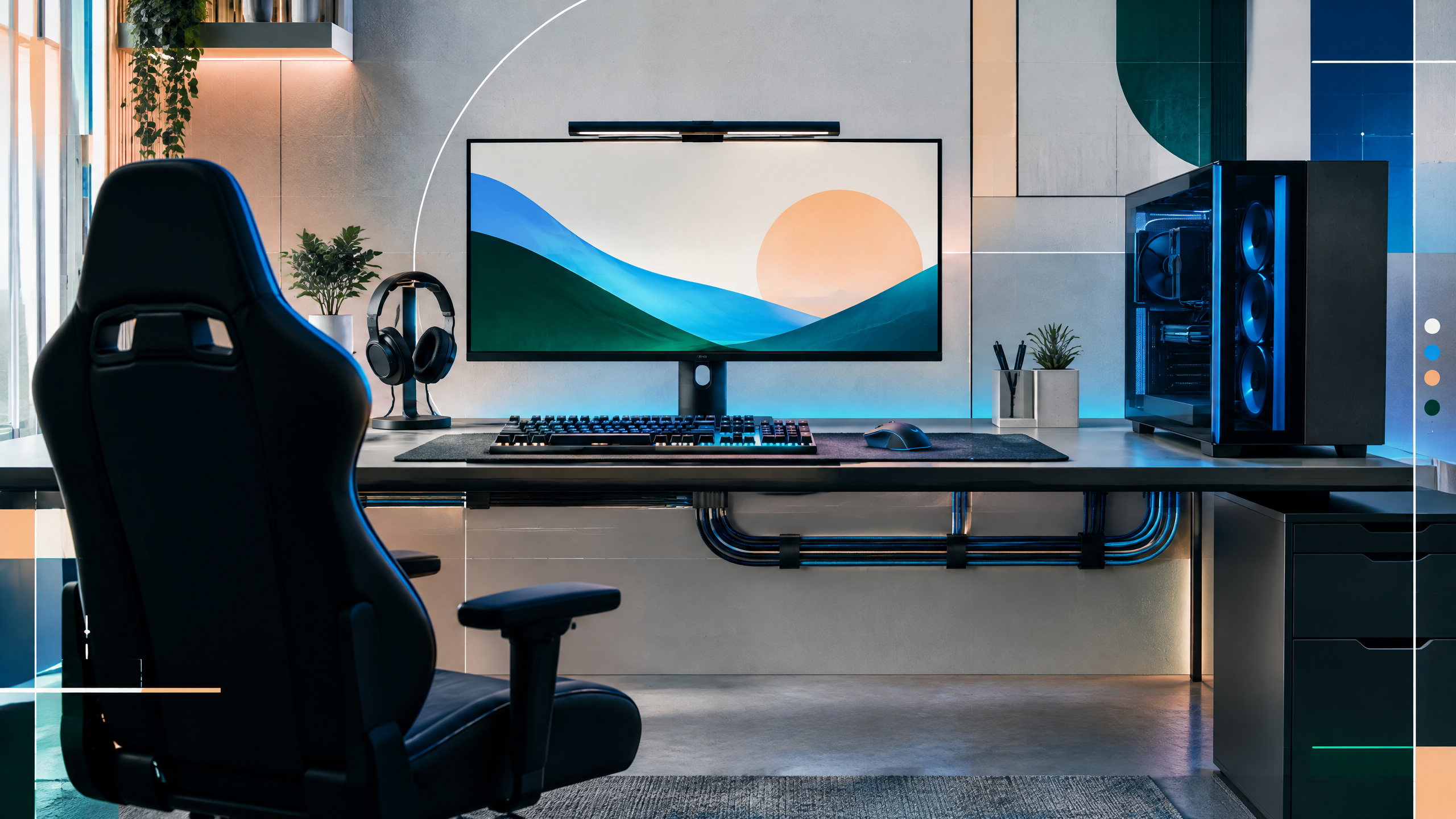
Fortnite GPU advice depends heavily on whether you prioritize Performance Mode or the richer DX12 presentation. PlayerCFG will compare cards across both paths, with practical attention to resolution, frame-rate targets, VRAM, CPU balance, upscaling, and ray tracing. The guide will make clear which recommendations suit competitive play and which are intended for players who want higher visual quality at their chosen resolution.
The rest of the setup shapes every session. Desk depth, seating fit, hardware balance, thermals, cables and long-session comfort deserve the same deliberate attention as in-game settings.
Performance Mode and DX12 create different GPU needs
Performance Mode and DX12 demand different GPU priorities: Performance Mode reduces visual complexity to maximize frame rates, so a midrange card that keeps a high refresh is sufficient for competitive play. DX12’s richer presentation increases GPU load and benefits from more powerful hardware to hold higher settings and resolutions. Decide whether you prioritize raw competitive responsiveness or visual quality, then choose a GPU that meets the corresponding load profile while leaving CPU headroom for stable frame pacing.
Competitive frame targets by resolution
For competitive frame targets, lower resolutions and Performance Mode let modest GPUs achieve high, consistent refresh rates by leaning on CPU efficiency and driver tuning. At 1080p with Performance Mode a broad range of cards can be competitive; move to DX12 or higher resolutions and the demands scale, requiring stronger GPUs to maintain the same target. Balance settings to sustain consistent frame times during intense encounters, since perceived smoothness matters more than occasional peak frames.
VRAM, Lumen, ray tracing, and upscaling
VRAM becomes more relevant with DX12, high-resolution textures, and ray tracing enabled; select a GPU with enough memory for your resolution and quality choices. Ray tracing and advanced lighting increase GPU load substantially, so enable them only if you have the headroom or are willing to accept lower frame rates. Upscaling technologies can recover performance with little visual compromise and are a practical tool to shift GPU requirements, but confirm their compatibility with the chosen GPU and that they preserve stable frame pacing.
Choosing a card for both Fortnite and other games
If you split time between competitive sessions and visually rich play, choose a GPU that offers both consistent high-refresh capability in Performance Mode and enough power for DX12 excursions at your target resolution. For a playstyle focused solely on competition, prioritize stable frame delivery and low-latency features over extra graphical headroom. Evaluate how often you’ll use advanced visual options, and pick hardware that balances those needs rather than overspecifying for rare scenarios.
Field check
Before you keep this choice, run the following short check in your own setup:
- Measure the desk, chair or component before shopping.
- Prioritize stability, thermals and comfort over decorative extras.
- Recheck current pricing, warranty and compatibility before buying.
Validate before you settle
Validate your plan by aligning GPU capacity to whether you’ll play mainly in Performance Mode or DX12, and by testing stability at your monitor’s refresh. Confirm VRAM and driver support for your chosen settings, and use upscaling or reduced quality where needed to keep frame pacing consistent. Opt for balanced hardware that supports your play habits instead of chasing maximum theoretical performance.
Source and next route
This PlayerCFG field note is original editorial copy built from public settings and gear research. It does not reproduce the source article. For the underlying reference, visit Best GPU for Fortnite .
DATA NOTELast modified Jun 16, 2026; Fortnite patches, rendering modes, drivers, CPU pairings, prices, and settings can materially change FPS. Recheck competitive and visual-mode tests separately. The hero image is found remotely; secure a license or replace it with original artwork. PlayerCFG is not affiliated with the referenced publisher, game studio or hardware brand.
OPEN FORTNITE INDEX