
Fortnite Keyboard Tuning for Faster Edits and Cleaner Movement
Choose a Fortnite keyboard for movement and edits with practical advice on analog input, Rapid Trigger, actuation, layouts, and competitive priorities.
open --guide-keyboards READY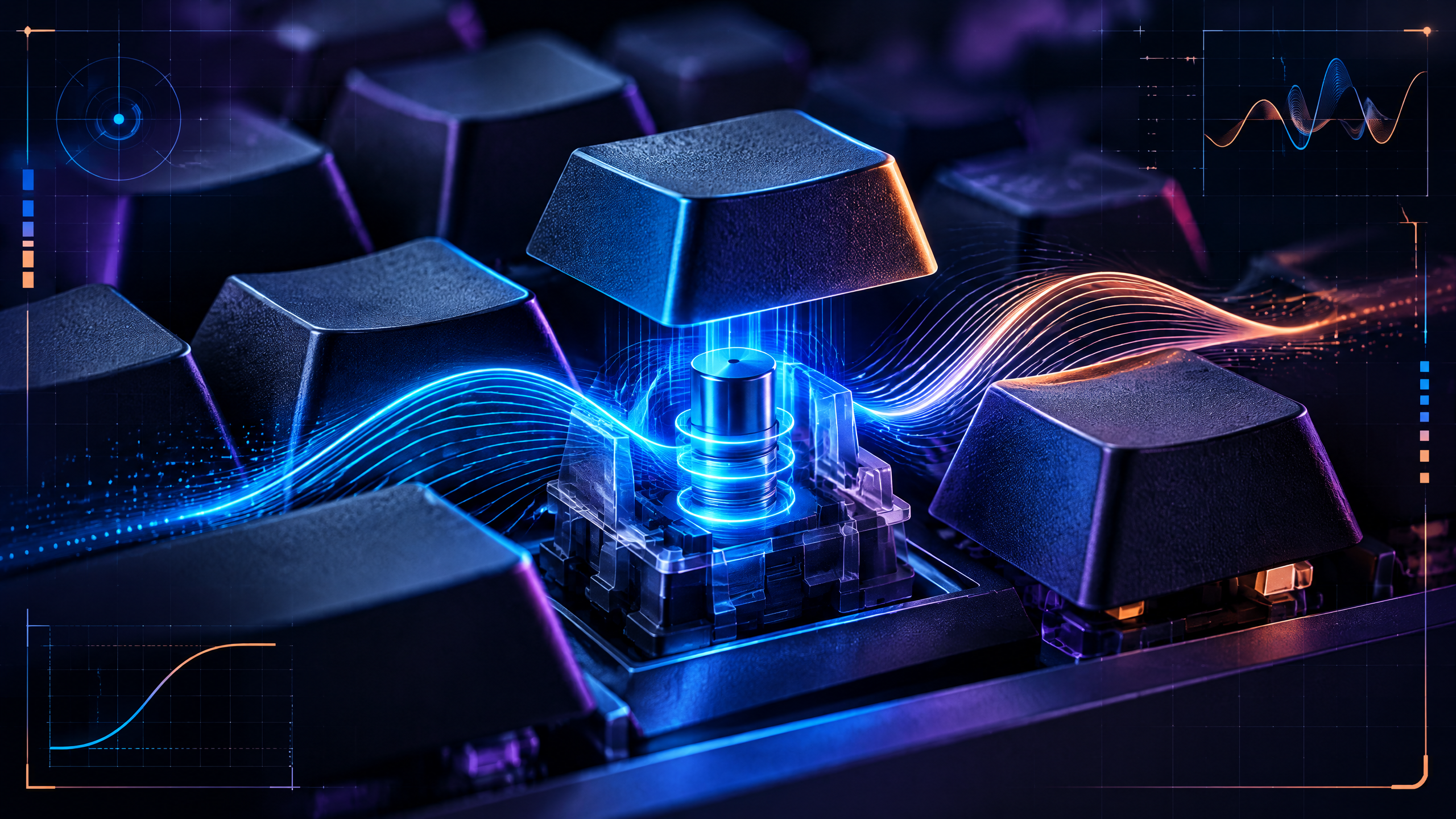
Fortnite puts unusual pressure on movement, edits, and rapid sequences, making keyboard feel part of the building process itself. This PlayerCFG guide will examine analog input, Rapid Trigger, actuation tuning, reset behavior, layout size, and software profiles in plain language. We will also cover conventional mechanical options, because the best board is the one you can control consistently—not simply the one with the most aggressive feature list or the highest pro usage.
Keyboard choice is mostly about repeatability. Compare layout, key feel, actuation, reset behavior, software and comfort, then validate any high-speed feature in the game you actually play instead of trusting a spec sheet.
Why movement and edit-heavy play changes keyboard priorities
Movement and edits in Fortnite shift keyboard priorities toward responsiveness and predictable key behavior. Favor keys and layouts that minimize travel and provide consistent tactile feedback so rapid build-edit cycles register without hesitation. Analog feel can help micro-adjustments, but consistency across keys and stable firmware ultimately reduce missed inputs. Prioritize a keyboard that supports quick, repeatable sequences and lets you set actuation uniformly between movement and edit keys to avoid surprises during high-pressure plays.
Tune actuation and reset behavior without chasing extremes
Chasing the shortest actuation isn’t a universal win; aim for reliable activation and reset characteristics that match your timing. Moderate actuation depths reduce fatigue while keeping accidental presses manageable. Test reset behavior to ensure rapid double-taps or hold-to-release actions behave the same way every time. Rapid Trigger-style features can help in rapid-fire edit chains, but only if latency and debounce are predictable — stability beats marginally faster but inconsistent responses.
60%, TKL, and the mouse-space question
Layout size impacts mouse clearance and reach during fast building. Compact boards free desk real estate for aggressive mouse movement and can reduce travel to key clusters used for builds and edits. TKL models balance function row access with extra mouse space; 60% boards maximize mouse freedom but require layered inputs that may slow utility access. Choose the smallest layout that preserves comfortable access to your most-used build and edit keys.
Testing profiles, consistency, and non-analog alternatives
Create simple profile variations and test them in short, repeatable scenarios where you measure consistency rather than raw speed. Use the same map segment and actions to compare actuation and Rapid Trigger settings. If analog options aren’t available, prioritize low-throw mechanical switches and stable debounce behavior. Consistent feel across sessions matters more than exotic features; validate settings by practicing standard edit and movement drills until inputs become second nature.
Field check
Before you keep this choice, run the following short check in your own setup:
- Choose a layout that protects mouse space and comfort.
- Tune actuation or reset settings gradually.
- Verify the result in real movement and ability inputs.
Validate before you settle
Before committing, validate choices by testing actuation, reset behavior, and layout under the same conditions you play in. Look for consistent key feel, reliable repeatability, and enough mouse space for your typical movement. Favor settings that reduce surprises and support reproducible training; that way adjustments improve your play rather than introducing variability.
Source and next route
This PlayerCFG field note is original editorial copy built from public settings and gear research. It does not reproduce the source article. For the underlying reference, visit Best Keyboard for Fortnite .
DATA NOTELast modified Apr. 13, 2026 and strongly relevant to analog input and Rapid Trigger. The article still mixes current boards with model generations that can change quickly; hero metadata image is remote and should not be reused without licensing/attribution permission. PlayerCFG is not affiliated with the referenced publisher, game studio or hardware brand.
OPEN FORTNITE INDEX