
A Nimble Pointer for Fortnite
Build a Fortnite mouse shortlist around nimble weight, comfortable shape, reliable wireless performance, sensor accuracy, and useful extra inputs for play.
open --guide-mice READY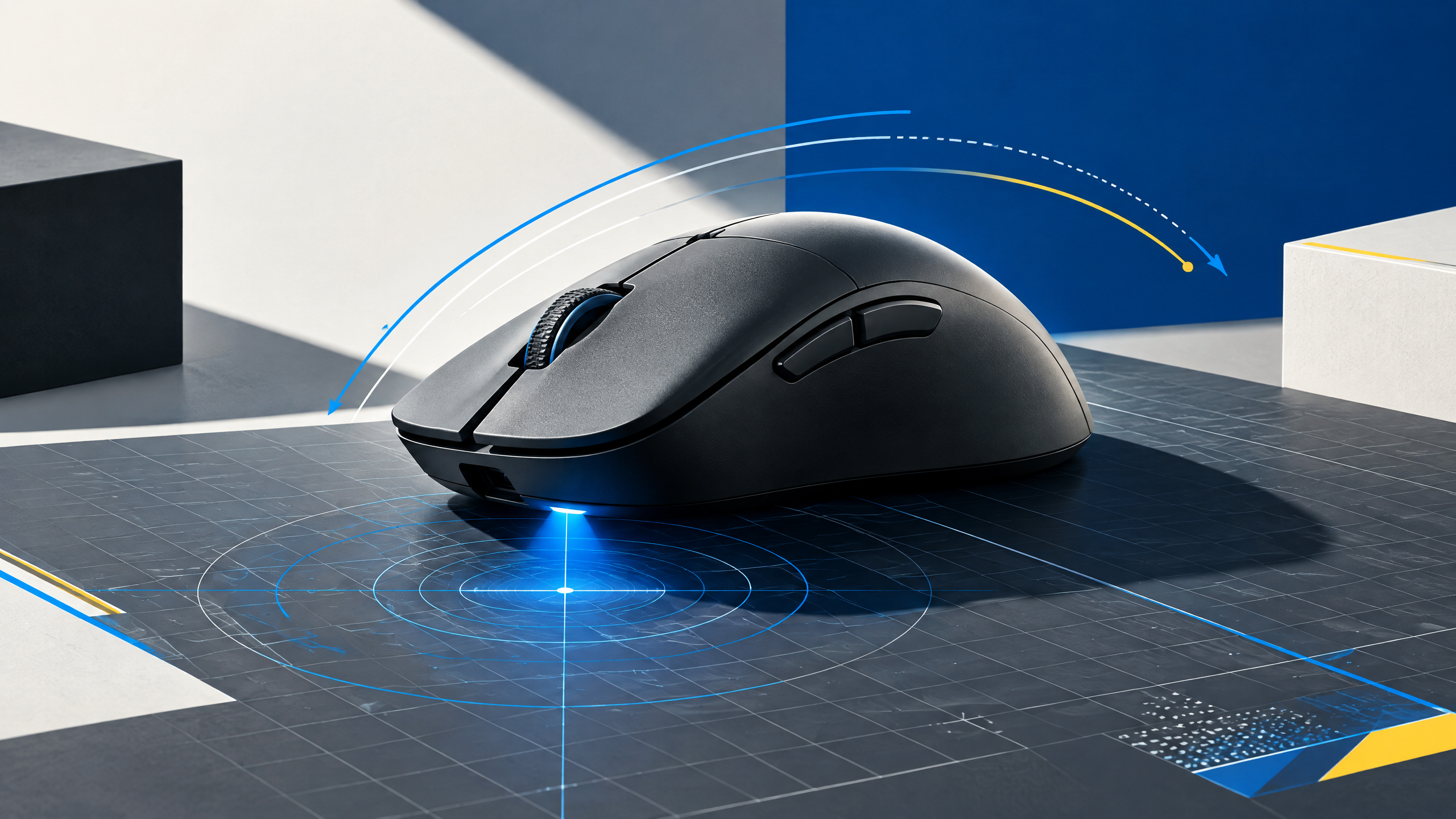
Fortnite asks the mouse to support rapid camera turns, precise shots, and a steady stream of build or edit inputs. That makes comfort and control more important than simply copying the most-used pro model. This adaptation examines lightweight designs, shape and grip fit, sensor consistency, wireless responsiveness, and when extra buttons actually improve a player’s workflow rather than complicate it.
A mouse is the physical link between intention and movement. Shape, grip, weight, sensor behavior, clicks, and wireless execution should be evaluated together; headline specifications alone cannot tell you whether a shell fits your hand.
Balance quick turns with stable micro-aim
Quick camera turns in Fortnite rely on a mouse that lets you flick without losing micro-aim. Look for a sensor with consistent tracking at both low and high speeds and a shape that doesn’t force your hand into contact that creates jitter. A light shell helps initiate fast rotations, but stability comes from predictable glide and balanced weight distribution so small corrective motions remain precise during builds and edits.
Match shape to grip during build and edit work
Grip fit influences every build and edit input; a shape that matches your natural hand posture reduces fatigue and accidental inputs. Palm grippers benefit from a fuller profile for long build sessions, while claw and fingertip grips favor compact, tapered bodies that let fingers move independently. Ensure the button layout keeps your ring and pinky relaxed during repeated edits rather than tensing to reach a ridge or awkward hump.
Decide whether side buttons simplify your binds
Extra side buttons can streamline binds for quick builds or editing if they sit where thumbs naturally rest without changing your grip. Favor a simple pad of two or three reliably spaced buttons over a crowded array that forces thumb repositioning. Also consider button actuation and travel; tactile, distinct presses are easier to muscle-memory than soft or spongy buttons that blend into other inputs.
Check wireless response during long sessions
Wireless responsiveness matters during extended Fortnite sessions when battery sag or interference can upset timing. Test a mouse through typical multi-hour play to ensure polling and firmware keep latency consistent and that power modes don’t introduce lag spikes. Also judge connectivity in dense wireless environments and confirm the dongle or protocol maintains pairing stability across sit-up, lean, and rapid arm movements.
Field check
Before you keep this choice, run the following short check in your own setup:
- Measure hand position and grip before comparing brands.
- Test the shell with your real sensitivity and mousepad.
- Ignore features that add complexity without improving control.
Validate before you settle
When validating a final pick, prioritize how the mouse feels during the exact movements you use in matches: quick turns, repeated edits, and long build streaks. Confirm sensor steadiness, shape fit, button placement, and wireless behavior through a few real-game sessions. If any single element interferes with your core actions, keep testing other shells until the mouse becomes an invisible extension of your input.
Source and next route
This PlayerCFG field note is original editorial copy built from public settings and gear research. It does not reproduce the source article. For the underlying reference, visit Best Mouse for Fortnite .
DATA NOTEThe source notes that Fortnite pros switch gear often, so recommendations can age rapidly despite current page data. Image is a remote ProSettings asset; verify licensing and attribution before use. PlayerCFG is not affiliated with the referenced publisher, game studio or hardware brand.
OPEN FORTNITE INDEX