
FragPunk Low-Distraction Aim Setup
Create a FragPunk setup for crisp visuals, dependable frame rates, useful crosshair choices, and comfortable keyboard or controller movement in every match.
open --guide-game-settings READY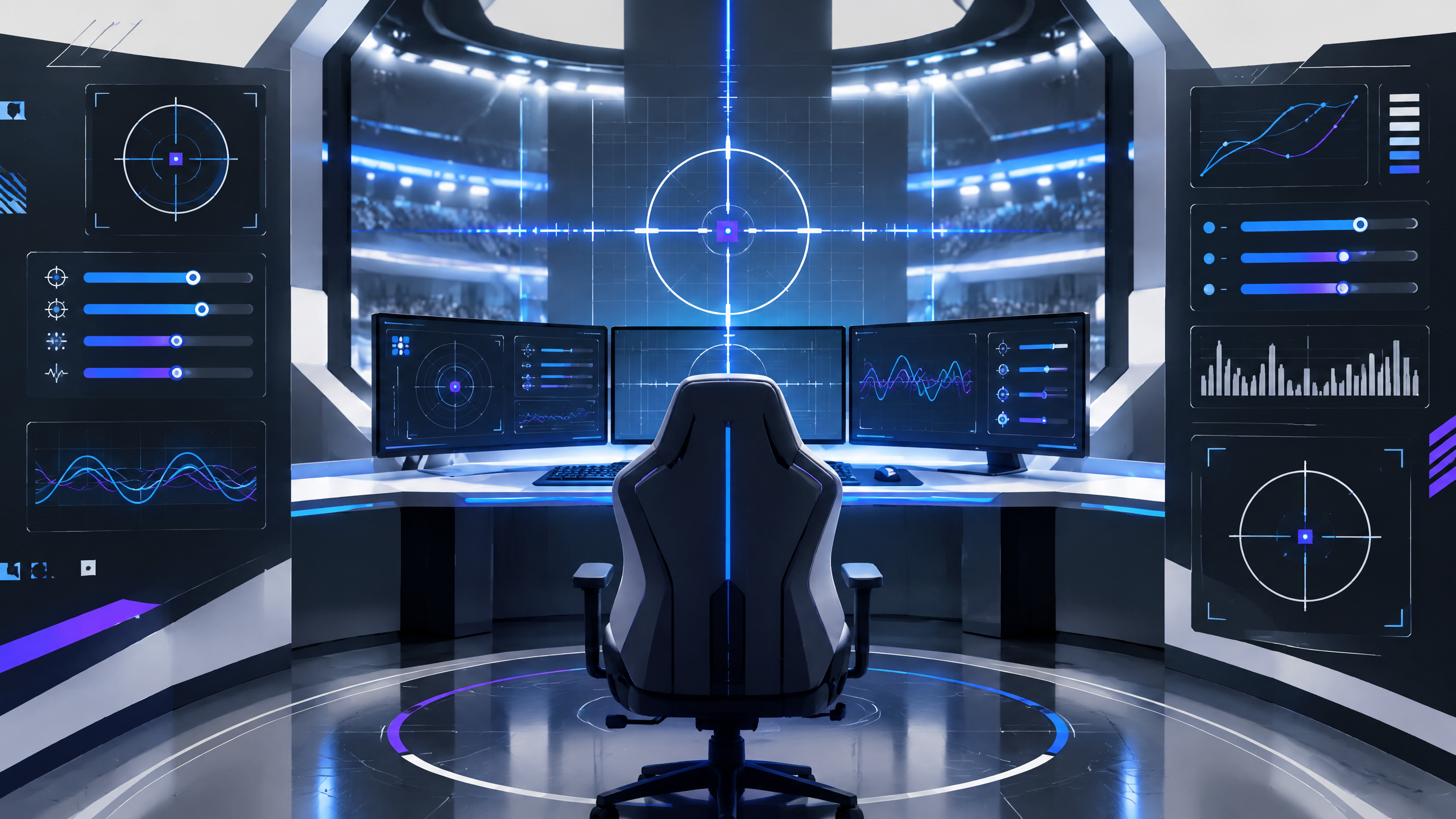
FragPunk’s card-driven rounds reward quick movement and clean target reading, while its visual effects can become noisy during a fight. This PlayerCFG adaptation creates a sensible foundation for display quality, simplified visuals, reticles, and binds. Test the result in a practice session, then adjust sensitivity and sprint behavior until the controls feel natural for your preferred agent and weapon. Save your old profile before experimenting.
Treat the published values as a test range, not a universal preset. Start with the settings that protect frame time and visibility, then change one input at a time so you can tell which decision helped.
Simplify effects without losing useful combat cues
Reduce visual effects that mask target outlines without removing combat-significant cues. Tone down particle intensity, excessive glow, and screen-space effects that crowd the center of the screen while keeping impact flashes and hit indicators enabled so you retain immediate combat feedback. Use a performance-friendly balance so frame stability supports consistent aim during fast, card-driven rounds where micro-adjustments matter.
Build a reticle that survives bright arenas
Design a reticle that remains readable in bright, colorful arenas and during ability-heavy exchanges. Choose a simple, high-contrast shape with adjustable thickness and a stable center point to prevent visual drift during movement. Avoid animated or dynamically scaling reticles that change size unpredictably when abilities trigger; consistency in reticle size and placement helps with snap-aims and follow-through tracking.
Movement binds for sprinting, walking, and abilities
Map movement binds to preserve mobility without compromising aim control. Assign a dedicated walk or slow-move toggle to improve precision when needed, and place sprint or dash on an easily reachable key or button to prevent overshooting corners. Consider toggles for ability-casting versus movement combinations that allow you to keep crosshair control while using agent skills, and test these in practice sessions to align them with your natural movement rhythm.
Field check
Before you keep this choice, run the following short check in your own setup:
- Record the current profile before changing anything.
- Test one setting group at a time in a repeatable scenario.
- Keep the change only if clarity or control improves without a new distraction.
Validate before you settle
Validate changes in quick-play scenarios to confirm they improve target acquisition under pressure. Save a copy of prior settings before experimenting and make single-variable adjustments to isolate effects. Regularly re-test after updates or hardware changes so the low-distraction aim behavior remains reliable across different arenas and agent compositions.
Source and next route
This PlayerCFG field note is original editorial copy built from public settings and gear research. It does not reproduce the source article. For the underlying reference, visit Fragpunk Best Settings and Options Guide .
DATA NOTEProSettings-hosted image; verify licensing and attribution before reuse; game UI may change between patches. PlayerCFG is not affiliated with the referenced publisher, game studio or hardware brand.
OPEN PLAYER INDEX