
Gaming Desks That Keep Competitive Setups Organized
Choose a gaming desk with enough surface area, stable height, practical cable management, and sensible add-ons for a clean competitive setup.
open --guide-setups READY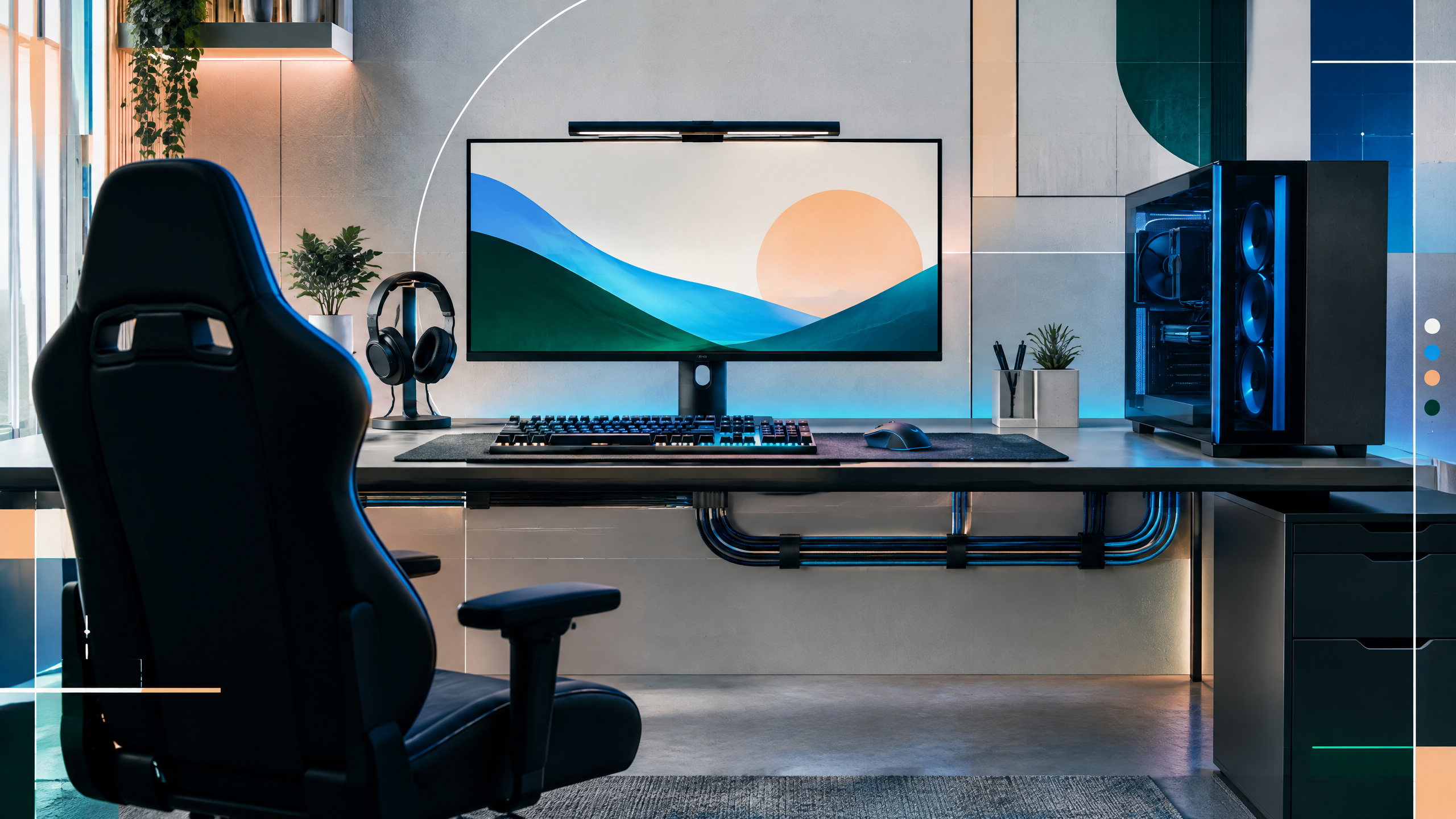
A desk is the foundation beneath every peripheral, monitor arm, and cable in a gaming room. This guide will evaluate usable depth, width, frame stability, height adjustment, cable access, mounting points, materials, and pricing. Rather than treating RGB or branding as performance features, we will focus on how each desk supports large mouse movements, multiple displays, streaming gear, and everyday work.
The rest of the setup shapes every session. Desk depth, seating fit, hardware balance, thermals, cables and long-session comfort deserve the same deliberate attention as in-game settings.
How much desktop depth does a low-sensitivity setup need?
Low-sensitivity setups need significant desktop depth so monitors can be positioned farther back while leaving ample forward mouse space. Calculate depth by combining your ideal monitor distance with the mousepad area and wrist clearance. If you use multiple displays, add extra depth for side monitors or angled placements to avoid cramped hand motion. Depth trade-offs often affect monitor arm choice; deeper desks let arms clamp behind the screen without reducing usable mouse area.
Frame construction, height, and wobble checks
Frame construction, height range, and wobble resistance define whether a desk remains stable under gameplay forces. Look for cross-bracing and solid leg profiles that reduce lateral movement, especially at higher heights. Check the usable height range to fit your preferred seated and standing positions, and test for resonance or wobble with typical peripheral weight and force. A stiff frame mitigates cursor oscillations and keeps monitor alignment consistent during intense inputs.
Cable trays, power access, and mounting points
Accessible cable trays, well-placed power access, and reinforced mounting points simplify routing and reduce strain on connectors. Cable management should account for any height adjustments and keep power bricks off the floor to prevent tangles. Monitor arm and accessory mounting points need to be supported by metal reinforcement rather than thin laminates. Good routing preserves airflow under equipment and keeps the desk surface clean for rapid setup changes or streaming gear.
Choosing between modular, sit-stand, and fixed desks
Decide between modular, sit-stand, and fixed desks by balancing flexibility against performance priorities. Fixed desks often deliver the best rigidity and maximum desktop depth for a lower cost, while sit-stand options add ergonomic versatility at the potential expense of slight wobble. Modular desks provide customization for mounts and cable runs but require careful planning to avoid weak joints. Choose the form that supports your dominant activities—fast aim, multi-monitor work, or frequent posture changes.
Field check
Before you keep this choice, run the following short check in your own setup:
- Measure the desk, chair or component before shopping.
- Prioritize stability, thermals and comfort over decorative extras.
- Recheck current pricing, warranty and compatibility before buying.
Validate before you settle
Select a desk that supports mouse travel, stable framing, and practical cable access for your typical session type. Test wobble and height range with your full setup and prioritize usable depth over decorative extras. A desk chosen for real needs will support performance and simplify long-term upgrades.
Source and next route
This PlayerCFG field note is original editorial copy built from public settings and gear research. It does not reproduce the source article. For the underlying reference, visit Best Gaming Desk in 2025 .
DATA NOTELast modified Oct 10, 2025, so refresh product generations, dimensions, prices, retailer links, and regional availability before launch. No patch dependency, but furniture markets and warranties change. The metadata hero is found remotely on ProSettings; confirm image rights or commission an original setup photo. PlayerCFG is not affiliated with the referenced publisher, game studio or hardware brand.
OPEN PLAYER INDEX