
M4A1-S Looks That Work in a Complete CS2 Loadout
Create a polished M4A1-S skin setup in CS2 with ideas for sleek, vivid, budget-friendly, and premium finishes that suit your inventory.
open --guide-skins READY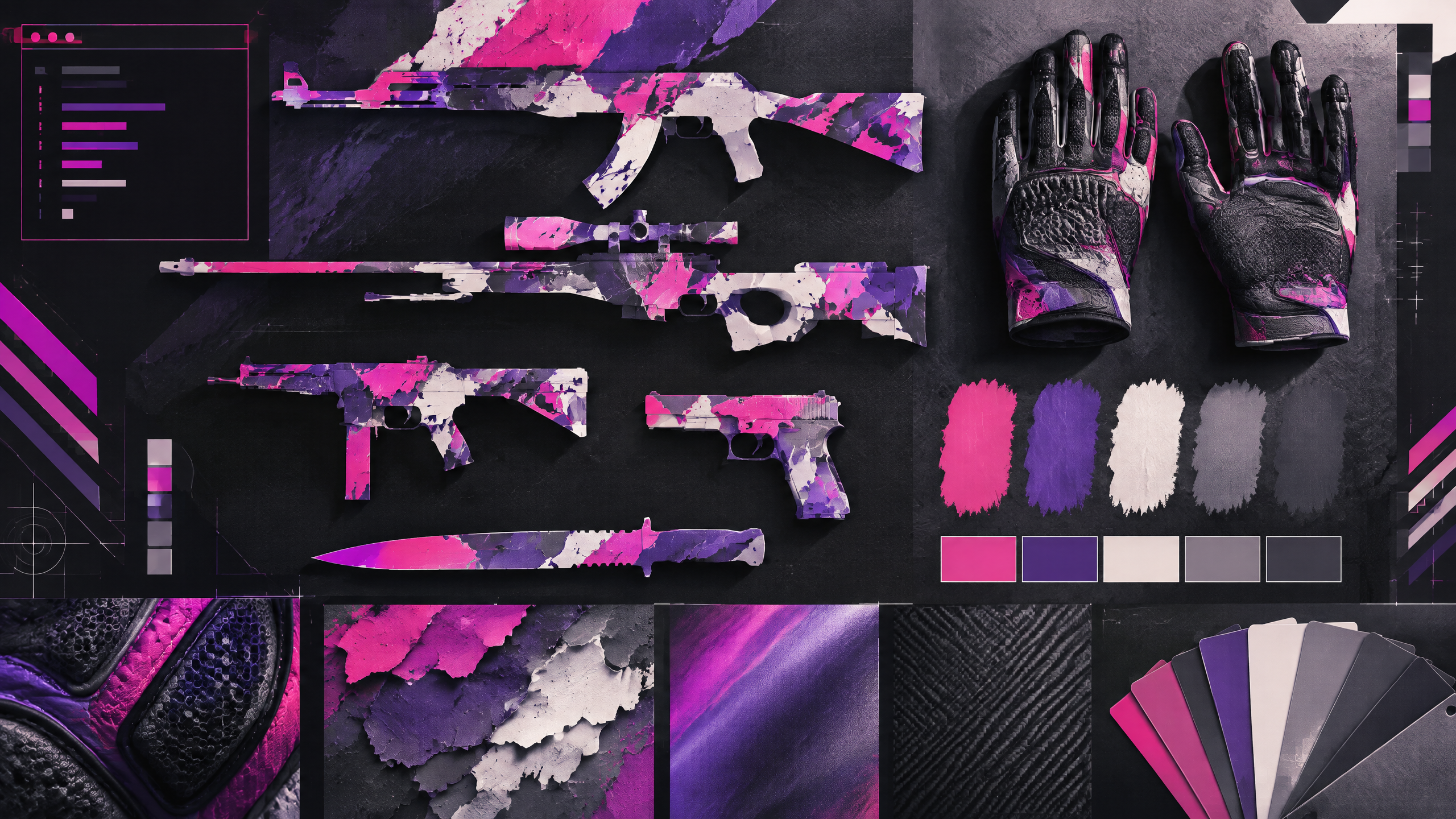
A good M4A1-S choice should survive more than a quick glance in the buy menu. It needs to read well in motion, fit the player’s preferred color story, and remain sensible at the chosen wear level and budget. This adaptation uses those questions to organize sleek monochrome designs, saturated statement pieces, futuristic classics, and understated alternatives into a practical visual guide for CT-side collections.
A strong cosmetic loadout has a point of view. Use color, contrast, wear, pattern and budget to build a visual system rather than copying one inventory or treating pro popularity as a buying instruction.
Start with the color story you want on CT
Start by deciding on a color story that feels right for your CT-side perspective—muted monochromes, cool-toned metallics, or saturated accents each communicate a different intent. The silenced rifle sits in the center of many engagements, so its primary hues should either anchor the kit or subtly harmonize with glove and knife choices. Keep the palette limited to a few compatible tones to avoid visual clutter in the first-person view while preserving a clear, intentional identity.
Compare metallic, graphic, and restrained finishes
Metallic sheens, graphic overlays, and restrained finishes behave differently in motion and under lighting. Metallics catch light and can make small movements more noticeable; graphic-heavy skins can be bold but risk visual noise when firing or moving. Restrained finishes emphasize shape and color balance, remaining legible midfight. Choose the family of finish that best suits whether you want the rifle to pop in highlight moments or remain an elegant, unobtrusive instrument.
Choose a wear level that still looks good in motion
Wear alters how finishes read at range and during recoil; choose a condition that preserves your preferred look in actual play. Lower-wear versions keep color saturation and fine details intact, while more worn pieces soften contrast and add character. Consider how motion blurs details and favor a wear level that still makes the rifle look intentional when scoped or firing. This ensures the aesthetic survives typical match animations and remains satisfying over regular use.
Make the silenced rifle the anchor of a balanced inventory
Make the silenced rifle the inventory anchor by echoing its dominant tones in gloves and knife accents without forcing exact matches. Use complementary textures and one or two shared hues to unify the kit and prevent visual competition. Inspect the full first-person view during typical movement and firing to confirm that the weapon remains the intended focal point, creating a cohesive and balanced loadout across rounds.
Field check
Before you keep this choice, run the following short check in your own setup:
- Choose a color anchor before adding more items.
- Inspect wear and pattern in the actual first-person view.
- Set a spending limit and treat market demand as changeable.
Validate before you settle
Test the rifle in common play animations and with chosen accessories to ensure the color story and wear level deliver the intended impression. Keep the palette simple and complementary so the M4A1-S reads clearly in motion. Finalize only after confirming the setup feels coherent across typical engagements.
Source and next route
This PlayerCFG field note is original editorial copy built from public settings and gear research. It does not reproduce the source article. For the underlying reference, visit The Best M4A1 Skins in CS2 (According To The Pros) .
DATA NOTEThe article explicitly credits an official Workshop image in its content, while the current OG image is hosted by ProSettings; confirm permissions and attribution before reuse. Its CS2 lighting and price observations can become stale. PlayerCFG is not affiliated with the referenced publisher, game studio or hardware brand.
OPEN CS2 INDEX