
M4A4 Finish Guide: From Collector Flex to Budget Color
Build an M4A4 skin shortlist for CS2, from iconic collector pieces to affordable colorful finishes, with guidance on wear and visual balance.
open --guide-skins READY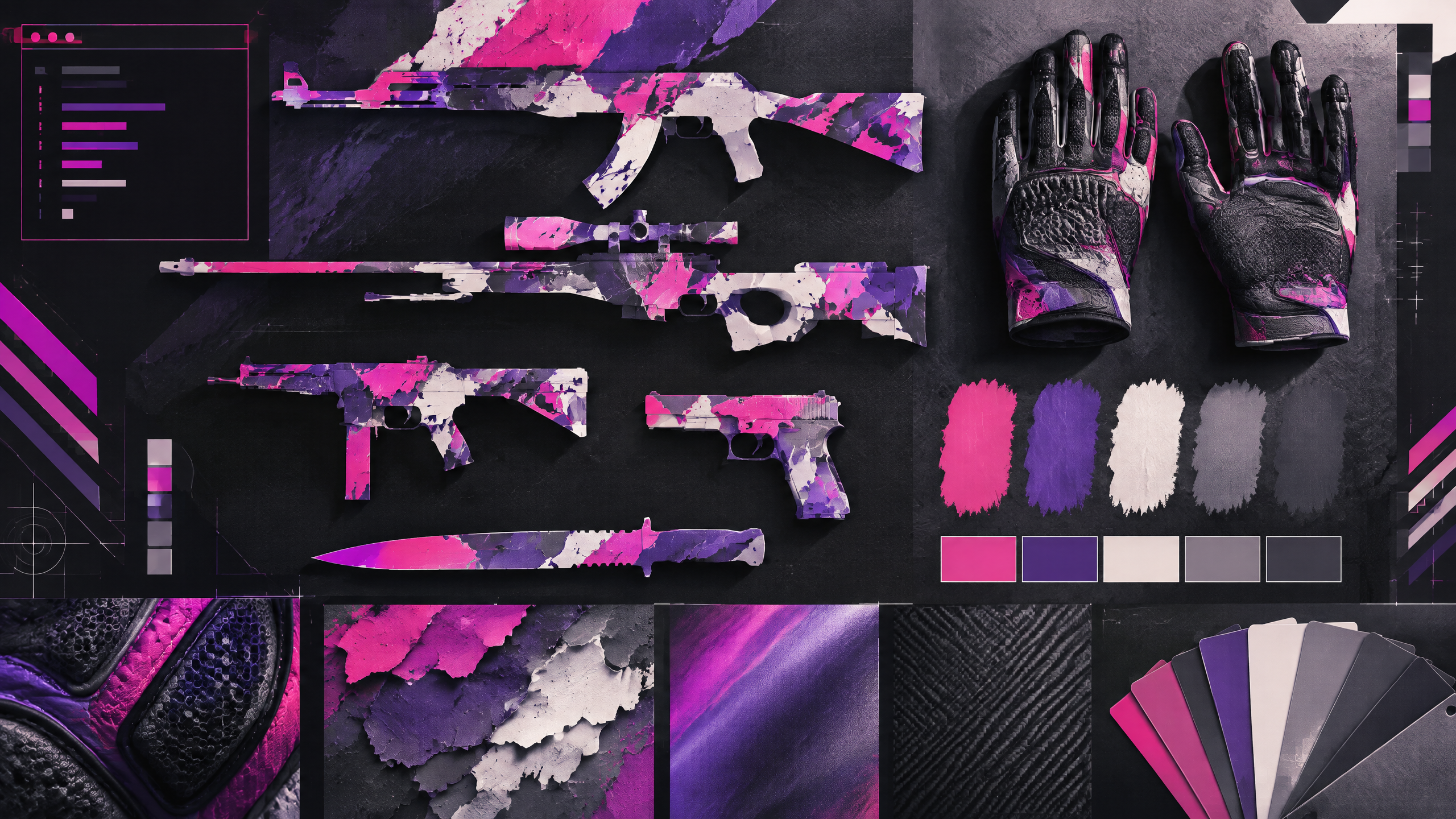
The M4A4 rewards a different design brief from its silenced counterpart: its larger profile gives elaborate art room to breathe, while simple finishes can look especially sharp. This adaptation helps players choose by visual density, color temperature, condition, and budget. It also treats the rifle as part of a full inventory, so a favorite finish can support a theme without forcing every other weapon into the same palette.
A strong cosmetic loadout has a point of view. Use color, contrast, wear, pattern and budget to build a visual system rather than copying one inventory or treating pro popularity as a buying instruction.
Let the larger rifle silhouette guide your choice
The M4A4’s larger silhouette gives detailed artwork room to register in play, so let shape and scale guide selection. Busy, elaborate designs can shine on the bigger canvas, but they must remain legible while moving. Simpler finishes exploit the rifle’s profile to emphasize lines and color contrast, creating a refined look that reads well in motion. Choose a finish that complements how often the rifle appears on screen and whether you want it to anchor the visual identity of your CT kit.
Separate statement art from quiet, craft-ready finishes
Separate statement art from quiet, craft-ready finishes by assessing how visible details remain at match pace. Statement pieces use large motifs, bold strokes, or saturated palettes that become focal points; quieter finishes rely on texture, subtle gradients, or muted tones that pair easily with other items. Decide whether you want the rifle to be a consecutive eye-catcher or a supporting visual element, and select designs that maintain clarity and appeal across typical in-game movements.
Use wear ratings to protect the visual read
Wear ratings alter how patterns and metallic highlights present during play. Lower wear preserves crisp edges and color fidelity, while higher wear softens colors and can add a weathered character that some players prefer. Use wear to control perception—select a condition that keeps essential visual cues intact when scoped or in spray sequences so the design doesn’t devolve into indistinct patches under normal matchup viewing conditions.
Pair the A4 with a coherent CT-side kit
Pair the M4A4 with a CT-side kit that shares a coherent color direction without forcing every item to match exactly. Coordinate dominant hues and choose complementary textures for gloves and knife to build unity in the first-person view. If the rifle is a statement piece, keep supporting items simpler to avoid visual competition; if the rifle is restrained, use gloves or a knife to introduce subtle accents that complete the loadout.
Field check
Before you keep this choice, run the following short check in your own setup:
- Choose a color anchor before adding more items.
- Inspect wear and pattern in the actual first-person view.
- Set a spending limit and treat market demand as changeable.
Validate before you settle
Review finishes in motion and consider how wear will shift the rifle’s most important features. Match the M4A4’s role in your inventory—statement or supporting—and ensure supporting items share a clear color logic. Confirm that the chosen finish maintains its intended impact during regular gameplay before finalizing the loadout.
Source and next route
This PlayerCFG field note is original editorial copy built from public settings and gear research. It does not reproduce the source article. For the underlying reference, visit The Best M4A4 Skins in CS2 (According To The Pros) .
DATA NOTEThe source OG image is available from ProSettings, but licensing and attribution requirements are unknown; replace or license it before use. Its pro rankings and price examples are time-sensitive. PlayerCFG is not affiliated with the referenced publisher, game studio or hardware brand.
OPEN CS2 INDEX