
Overwatch PC Builds for High-Refresh Team Fights
Build an Overwatch PC for high-refresh play by matching CPU performance, GPU capacity, resolution, cooling, and budget without unnecessary overspending.
open --guide-setups READY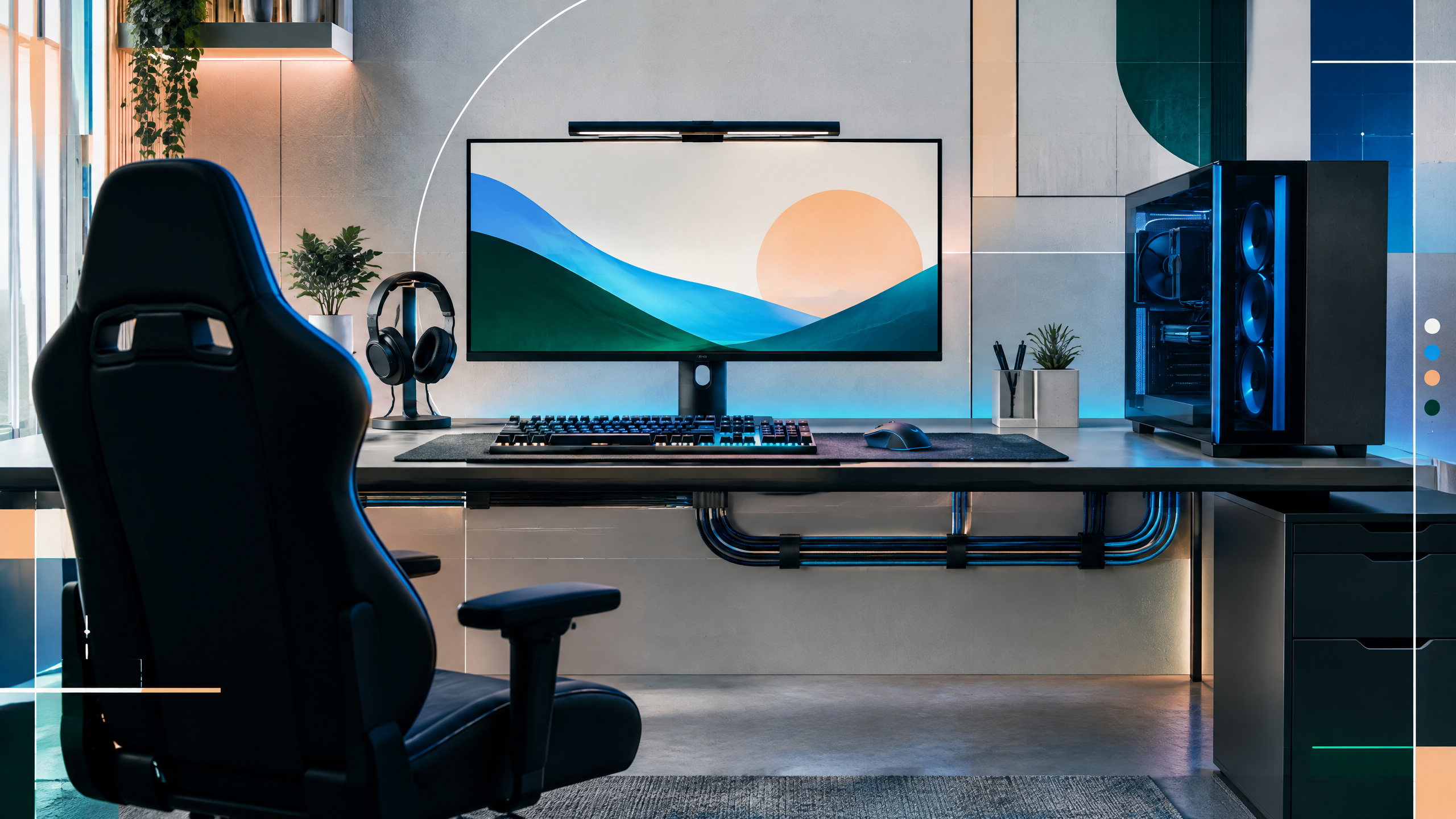
Overwatch is approachable on modest hardware, yet competitive players still benefit from consistent high refresh performance. This guide will organize builds by resolution and frame-rate goal, then examine CPU limits, GPU tiers, memory, storage, cooling, power supply, and airflow. It will show where premium parts add useful headroom and where a balanced midrange system already delivers everything most players can see.
The rest of the setup shapes every session. Desk depth, seating fit, hardware balance, thermals, cables and long-session comfort deserve the same deliberate attention as in-game settings.
Frame-rate targets for 1080p and higher resolutions
Set frame-rate targets based on your monitor’s refresh and match your perceptual needs: stable 144Hz is a different design choice than chasing 240Hz or higher. For 1080p targets, prioritize CPU responsiveness and a GPU that cleanly sustains the chosen cap. Higher resolutions or ultra-refresh panels require more GPU throughput and stronger cooling to avoid drops during team fights. Always align parts to the specific resolution and refresh target rather than aiming for maximum specs.
CPU limits in a fast team shooter
Overwatch’s engine can be CPU-bound in team fights where ability effects and physics add overhead. A CPU with strong single-thread performance reduces frame-time spikes during large engagements; adding cores helps background tasks and streaming but doesn’t replace single-core responsiveness. Balance the CPU choice with a midrange GPU that maintains steady frames; an overpowered GPU paired with a weak CPU can still result in inconsistent perceived performance.
Balanced component tiers and upgrade options
Divide components into balanced tiers rather than stacking one expensive part against weak complements. Midrange systems often provide the best value-per-frame for most players, while higher-tier builds should only be chosen if future titles or higher resolutions are on the roadmap. Prioritize memory capacity and dual-channel operation to avoid stutter, and select storage that minimizes texture streaming delays. Keep upgrade paths open by choosing a motherboard and PSU that can host next-step CPU or GPU upgrades.
Cooling, power, and prebuilt quality checks
Cooling, power delivery, and prebuilt quality influence sustained performance and long-term reliability. Adequate case airflow and a capable CPU cooler prevent thermal throttling during lengthy sessions. A quality PSU with some headroom helps ensure stable voltages under transient loads. If choosing a prebuilt, inspect component lists and cooling layouts; ensure serviceable parts and clear return or warranty conditions to avoid surprise limitations during competitive play.
Field check
Before you keep this choice, run the following short check in your own setup:
- Measure the desk, chair or component before shopping.
- Prioritize stability, thermals and comfort over decorative extras.
- Recheck current pricing, warranty and compatibility before buying.
Validate before you settle
Run real team-fight benchmarks and check for thermal throttling, power delivery stability, and frame-time consistency before finalizing hardware. Confirm compatibility and upgrade headroom for future GPU or CPU steps. Place priority on steady in-match frametimes and practical cooling solutions rather than single-test peak fps numbers.
Source and next route
This PlayerCFG field note is original editorial copy built from public settings and gear research. It does not reproduce the source article. For the underlying reference, visit Best PC for Overwatch – The Best Prebuilt and Custom Options .
DATA NOTELast modified Feb 16, 2026; parts, pricing, drivers, and prebuilt inventory still need validation, while Overwatch patches can change frame rates and caps. Recheck current benchmarks. The remote metadata image is found; secure reuse rights or commission original imagery. PlayerCFG is not affiliated with the referenced publisher, game studio or hardware brand.
OPEN PLAYER INDEX