
PUBG PC Builds for Consistent Competitive Frames
Choose a PUBG gaming PC by prioritizing frame-time stability, CPU performance, GPU headroom, memory, cooling, and the resolution you actually play.
open --guide-setups READY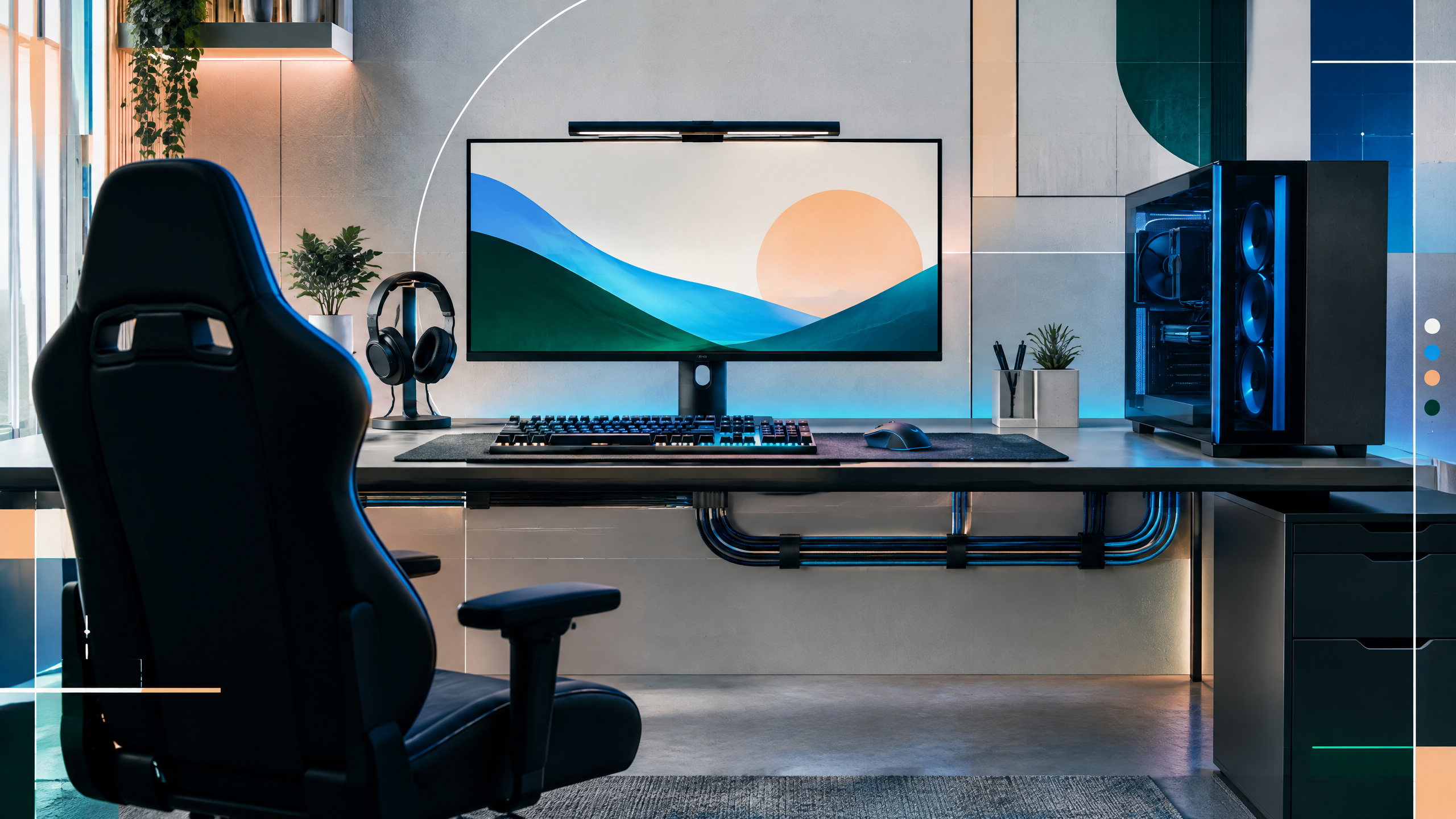
PUBG can punish weak frame-time consistency, especially in crowded drops and late circles. This guide will translate that demand into sensible budget, performance, and enthusiast builds, with attention to CPU strength, GPU selection, memory, storage, power delivery, and airflow. It will distinguish minimum requirements from competitive targets and encourage readers to recheck current prices, platform compatibility, and real-world benchmarks before ordering.
The rest of the setup shapes every session. Desk depth, seating fit, hardware balance, thermals, cables and long-session comfort deserve the same deliberate attention as in-game settings.
Why PUBG needs more than a minimum-spec PC
PUBG’s crowded drops and late circles expose frame-time instability more than average FPS. Minimum-spec machines can load the game but rarely deliver the consistent, low-variance frames competitive players need. Aim higher than minimums: a responsive CPU, a GPU that sustains target frames in dense scenes, and fast storage to reduce streaming hitches. Distinguish between a system that runs menus smoothly and one that holds steady during 100-player firefights; prioritize parts that reduce frame spikes in busy engagements.
Build tiers for 60Hz, 144Hz, and high refresh
Define build tiers around real refresh targets rather than sticker performance. For 60Hz play, optimize for stable 60-plus frames under load with modest GPU and a strong midrange CPU. For 144Hz, shift budget toward a GPU that maintains frame stability in crowded areas and a CPU that avoids core bottlenecks. High-refresh enthusiast builds demand both top CPU single-thread performance and a GPU with consistent throughput, plus cooling that prevents thermal-induced frame drops during prolonged matches.
CPU, memory, and storage priorities
CPU strength should be prioritized for its impact on frame-time consistency in populated zones. Memory capacity and speed reduce stutters during map streaming; favor fast dual-channel kits and low-latency timings where possible. NVMe storage reduces texture pop-in and stream hitches compared with older drives. Ensure motherboard VRMs and the PSU can handle sustained loads, and pick components with upgrade-friendly footprints for future balance adjustments.
Testing frame-time stability in demanding scenes
Test frame-time stability with repeatable, demanding scenarios: crowded drops, complex buildings, and late-circle firefights. Monitor for microstutters, 1% lows, and sudden frametime spikes rather than only average FPS. Run a consistent rerun that mimics real-match loading, then iterate on CPU frequency, background processes, and driver settings. Adjust in-game streaming and view distance settings only after confirming which hardware element is causing instability.
Field check
Before you keep this choice, run the following short check in your own setup:
- Measure the desk, chair or component before shopping.
- Prioritize stability, thermals and comfort over decorative extras.
- Recheck current pricing, warranty and compatibility before buying.
Validate before you settle
Validate a chosen build by checking current benchmarks for similar hardware in dense, real-match situations and confirm platform compatibility. Focus on minimizing frame-time variance and ensuring thermal and power headroom. Reassess parts against local availability and consider testing in actual crowded scenarios to verify that the system meets your competitive stability needs.
Source and next route
This PlayerCFG field note is original editorial copy built from public settings and gear research. It does not reproduce the source article. For the underlying reference, visit Best PC for PUBG – The Best Prebuilt and Custom Options .
DATA NOTELast modified Jun 17, 2025; PUBG patches, drivers, CPU/GPU generations, prices, and prebuilt availability can invalidate the listed configurations. Rebenchmark hot drops and late-game scenes before publishing. The metadata image is found remotely and requires licensing review. PlayerCFG is not affiliated with the referenced publisher, game studio or hardware brand.
OPEN PUBG INDEX