
PUBG GPU Guide for High-Refresh Competitive Play
Select a PUBG GPU for competitive frame rates by weighing resolution, settings, VRAM, CPU pairing, frame-time stability, and current market value.
open --guide-setups READY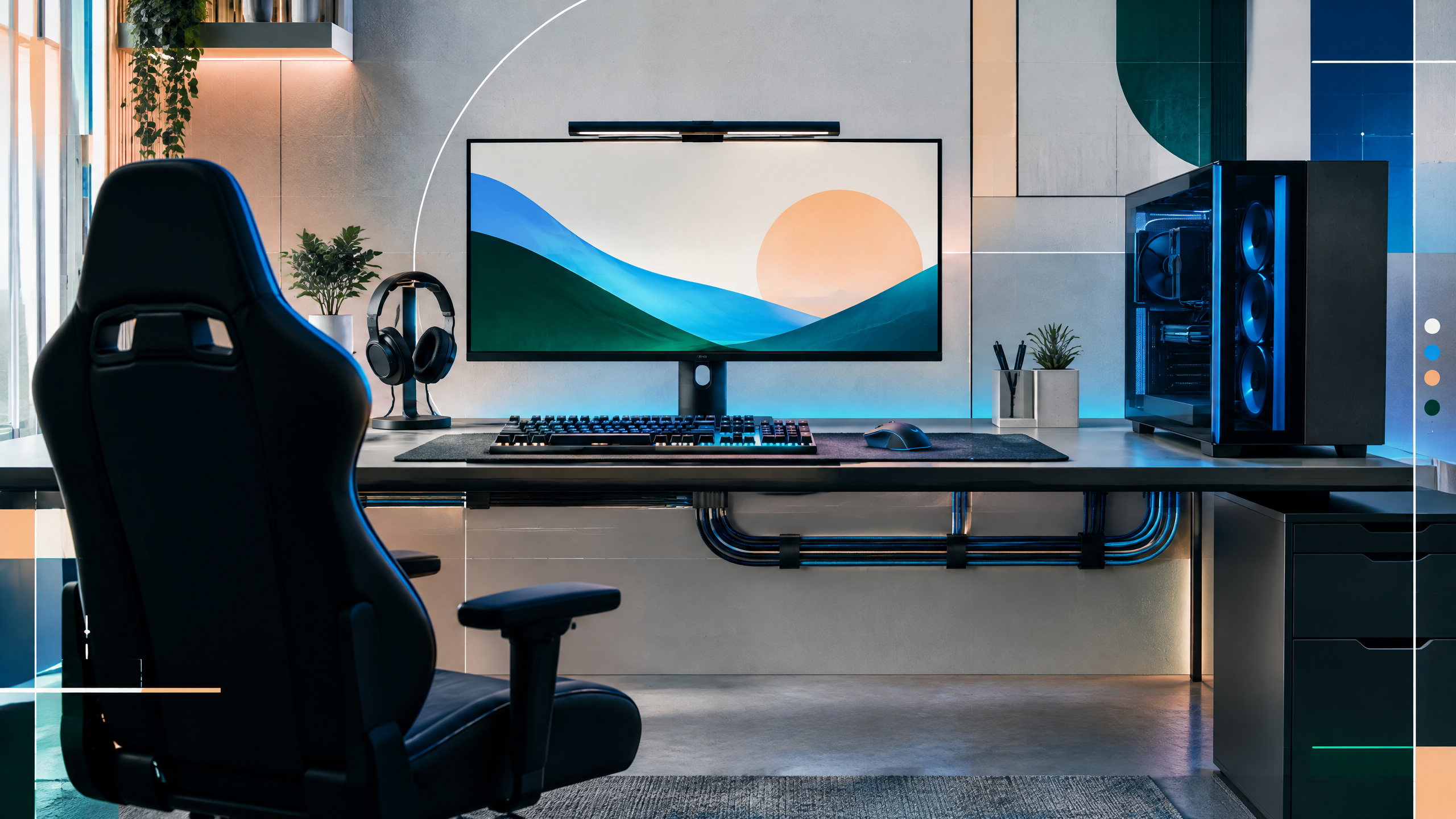
PUBG remains unusually sensitive to system balance and frame-time consistency, particularly in dense scenes. This guide will compare GPU tiers by resolution, settings, target refresh rate, VRAM, upscaling options, and CPU pairing. It will separate realistic 1080p and 1440p goals from aspirational figures, while reminding readers that patches, drivers, prices, and test conditions can shift the buying answer before purchase.
The rest of the setup shapes every session. Desk depth, seating fit, hardware balance, thermals, cables and long-session comfort deserve the same deliberate attention as in-game settings.
The difference between average FPS and stable frame times
Average FPS doesn’t capture the penalty of microstutters and frame-time spikes in PUBG; prioritize stable 1% and 0.1% lows and consistent frametime delivery in dense scenes. Choose a GPU that avoids sudden drops when many players or environmental effects appear simultaneously. Treat render scale and in-game streaming settings as tools to reduce peak GPU load, and validate how those choices affect frametime stability under stress.
GPU choices for 1080p and 1440p
At 1080p, pick GPUs that can sustain target refresh rates with headroom for crowded drops and complex interiors. For 1440p competitive play, select cards with greater memory bandwidth and VRAM to handle textures and draw distance without resorting to aggressive downscaling. Ensure the chosen card maintains low variance in heavy-load sequences, and consider the whole system’s ability to keep frame delivery even when the map is densely populated.
CPU pairing for drops and late circles
CPU pairing is crucial during drops and late circles where many entities and physics events spike processing needs. A balanced CPU prevents frame-time spikes and keeps the GPU fed; underpowered CPUs will cause hitching even with capable GPUs. Optimize platform memory configuration and ensure NVMe storage to reduce streaming bottlenecks that can worsen GPU-driven stalls during load-heavy scenes.
VRAM, render scale, and upgrade value
VRAM and render scale choices determine whether a GPU can render at native resolution or must up/rescale mid-match, which affects both visual clarity and frametime. More VRAM helps at higher resolutions and with larger texture packs, but diminishing returns exist if CPU or storage are the real constraints. Evaluate whether upgrading VRAM or improving CPU and storage offers more consistent competitive gains for your typical maps and match conditions.
Field check
Before you keep this choice, run the following short check in your own setup:
- Measure the desk, chair or component before shopping.
- Prioritize stability, thermals and comfort over decorative extras.
- Recheck current pricing, warranty and compatibility before buying.
Validate before you settle
Re-evaluate GPU and system choices against recent in-match benchmarks for similarly configured systems and ensure CPU, memory, and storage are not hidden constraints. Focus on reducing frame-time variance in crowded scenes rather than chasing peak average fps. Confirm that chosen components sustain the frametime stability you need under real-match stress.
Source and next route
This PlayerCFG field note is original editorial copy built from public settings and gear research. It does not reproduce the source article. For the underlying reference, visit Best GPU for PUBG .
DATA NOTELast modified Jun 23, 2026; PUBG patches, drivers, CPU bottlenecks, prices, and crowded-scene performance remain uncertain. Retest both average FPS and 1% lows. The remote metadata image is found; confirm licensing before reuse. PlayerCFG is not affiliated with the referenced publisher, game studio or hardware brand.
OPEN PUBG INDEX