
PUBG Visibility and Recoil Baseline
Tune PUBG for clear sightlines and consistent recoil control with performance-minded video, sensitivity, DPI, refresh-rate, and resolution choices for competitive matches.
open --guide-game-settings READY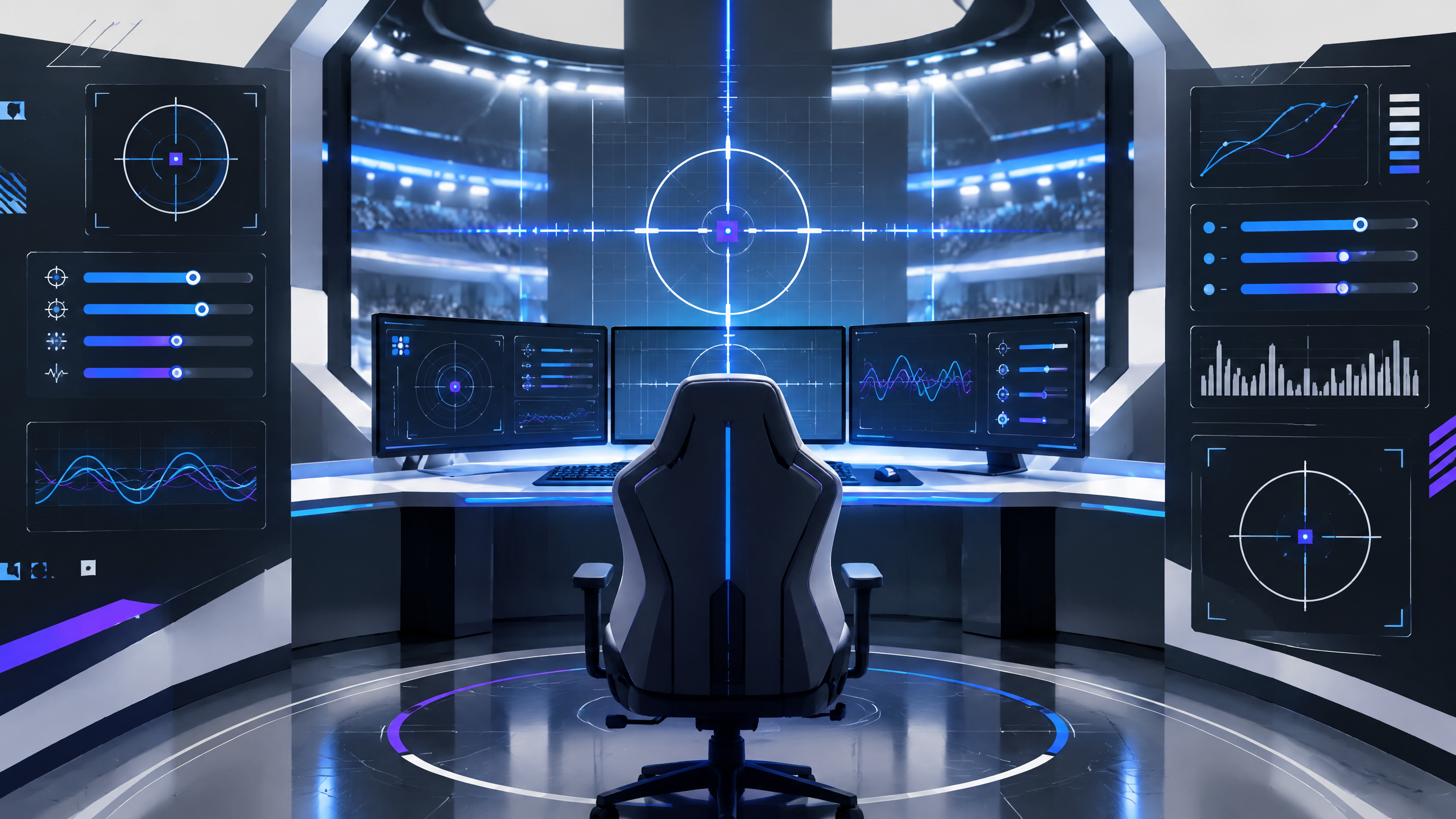
PUBG rewards patience, recoil control, and the ability to spot movement across uneven terrain, making visibility and stable performance essential. This PlayerCFG adaptation connects video quality, DPI, sensitivity, scope multipliers, resolution, and refresh rate into one starting profile. Use it in training first, then refine brightness, texture detail, and aiming values for your display and preferred engagement distance. Save your old profile before experimenting.
Treat the published values as a test range, not a universal preset. Start with the settings that protect frame time and visibility, then change one input at a time so you can tell which decision helped.
Visibility-first video settings for terrain and buildings
Visibility-first video settings for terrain and buildings: Configure brightness, contrast, and texture detail to maximize the visibility of players against varied terrain. Lower or simplify foliage and particle density if it obscures distant movement, and use shadow settings that prevent silhouettes from blending into dark areas. Maintain a stable frame rate so motion cues remain smooth and easier to detect across rolling hills and interior spaces.
DPI, scope multipliers, and recoil control
DPI, scope multipliers, and recoil control: Standardize a DPI and sensitivity setup that works across hip fire and scoped modes, then refine scope multipliers to ensure aiming feels predictable when switching sights. Practice recoil patterns at each sight magnification to develop consistent pull compensation. Avoid sudden changes to multipliers without training to ensure recoil control translates reliably in live encounters.
Resolution and refresh rate for stable scouting
Resolution and refresh rate for stable scouting: Choose a resolution and refresh-rate combination that your hardware can sustain without frequent dips, as consistent timing aids spotting and target tracking. Prefer refresh stability over the highest possible resolution if drops impair visibility during long-range observation. Test sight picture clarity at typical engagement distances to confirm that distant silhouettes remain identifiable under dynamic movement.
Field check
Before you keep this choice, run the following short check in your own setup:
- Record the current profile before changing anything.
- Test one setting group at a time in a repeatable scenario.
- Keep the change only if clarity or control improves without a new distraction.
Validate before you settle
Use an iterative validation method: lock in display and input first, then adjust scope multipliers and recoil targets through controlled training. Keep backups of prior profiles and measure changes in both practice ranges and real matches. Reassess visual presets after updates or hardware changes to ensure visibility and recoil handling remain consistent under pressure.
Source and next route
This PlayerCFG field note is original editorial copy built from public settings and gear research. It does not reproduce the source article. For the underlying reference, visit PUBG Best Settings and Options Guide .
DATA NOTEProSettings-hosted image; verify licensing and attribution before reuse; game patches can alter recommended values. PlayerCFG is not affiliated with the referenced publisher, game studio or hardware brand.
OPEN PLAYER INDEX