
Rainbow Six Siege GPU Guide: CPU Balance Matters
Choose a Rainbow Six Siege GPU by matching CPU strength, resolution, refresh rate, latency tools, VRAM, and value across current cards for competitive play.
open --guide-setups READY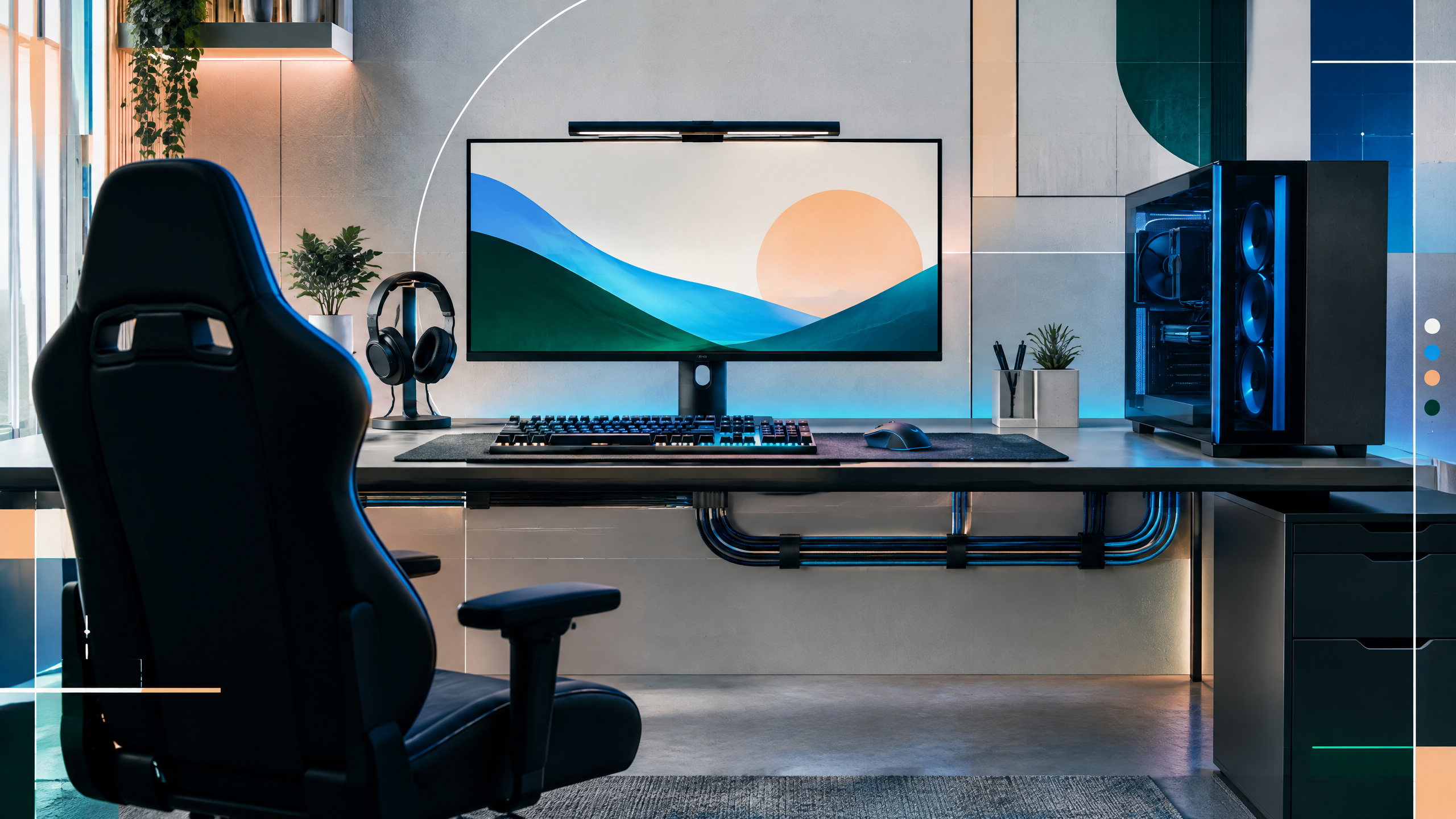
Rainbow Six Siege is often CPU-limited at competitive settings, so buying the biggest GPU is rarely the whole answer. PlayerCFG will compare cards by resolution, refresh target, VRAM, latency features, driver support, and CPU pairing. The guide will present budget and high-end paths without hiding the uncertainty of patch-specific benchmarks, component pricing, or differences between test systems across regions and budgets.
The rest of the setup shapes every session. Desk depth, seating fit, hardware balance, thermals, cables and long-session comfort deserve the same deliberate attention as in-game settings.
Identify the CPU ceiling before upgrading graphics
Identify the CPU ceiling for your platform before upgrading graphics to ensure GPU spending yields real benefits. Siege often hits CPU limits at competitive settings, so measure how close your system comes to CPU saturation in live matches. If the CPU is already near its ceiling, invest in processor or platform upgrades first; otherwise a larger GPU may sit idle during critical team fights. Target upgrades that increase overall frame-time consistency, not just raw FPS.
GPU tiers for 1080p, 1440p, and 4K
Choose GPU tiers with an eye toward the resolution and refresh target you’ll play at; 1080p competitive play emphasizes frame-time stability more than raw 4K throughput. At higher resolutions, prioritize cards with ample memory bandwidth and VRAM to avoid texture streaming stalls. Select GPUs that maintain steady performance in maps with dense geometry and many simultaneous effects, and avoid overspec’ing a GPU that will be CPU-limited in your typical scenarios.
VRAM, Reflex, and AMD feature trade-offs
Consider VRAM needs and vendor-specific features as part of a balanced system decision. More VRAM matters at higher resolutions or with heavy texture packs, and hardware latency features can help reduce input lag when paired with compatible displays and drivers. Compatibility and driver stability are crucial since vendor driver behavior affects in-game frame-time consistency; prioritize cards whose feature set aligns with the rest of your system and match your target resolution.
Testing Siege in repeatable competitive scenes
Test Siege in repeatable competitive scenes to find true bottlenecks: use consistent map sections and action sequences that stress both CPU and GPU. Measure 1% and 0.1% lows as well as average FPS to capture stutters. Iterate on CPU clocks, core counts, and GPU settings to see where throttling or driver behavior introduces instability. Use these controlled tests to decide whether a GPU upgrade or CPU/platform change delivers the most meaningful improvement.
Field check
Before you keep this choice, run the following short check in your own setup:
- Measure the desk, chair or component before shopping.
- Prioritize stability, thermals and comfort over decorative extras.
- Recheck current pricing, warranty and compatibility before buying.
Validate before you settle
Validate upgrades by testing repeatable, competitive scenes and confirming whether CPU or GPU is the limiting factor. Check VRAM and driver stability for your resolution and presets, and ensure the chosen GPU complements the platform’s processing ceiling. Prioritize changes that reduce frame-time variance over chasing higher peak fps in synthetic benchmarks.
Source and next route
This PlayerCFG field note is original editorial copy built from public settings and gear research. It does not reproduce the source article. For the underlying reference, visit Best GPU for Rainbow Six Siege .
DATA NOTELast modified Jul 16, 2026, but Siege X patches, drivers, CPU/GPU pricing, VRAM needs, and benchmark scenes can still shift. Recheck the source's FPS estimates before publication. The ProSettings image is found remotely; license it or use original licensed artwork. PlayerCFG is not affiliated with the referenced publisher, game studio or hardware brand.
OPEN PLAYER INDEX