
Win Tight Angles with the Right Siege Mouse
Find a Rainbow Six Siege mouse with a dependable sensor, fitting shape, controlled weight, reliable wireless link, and no distracting extras.
open --guide-mice READY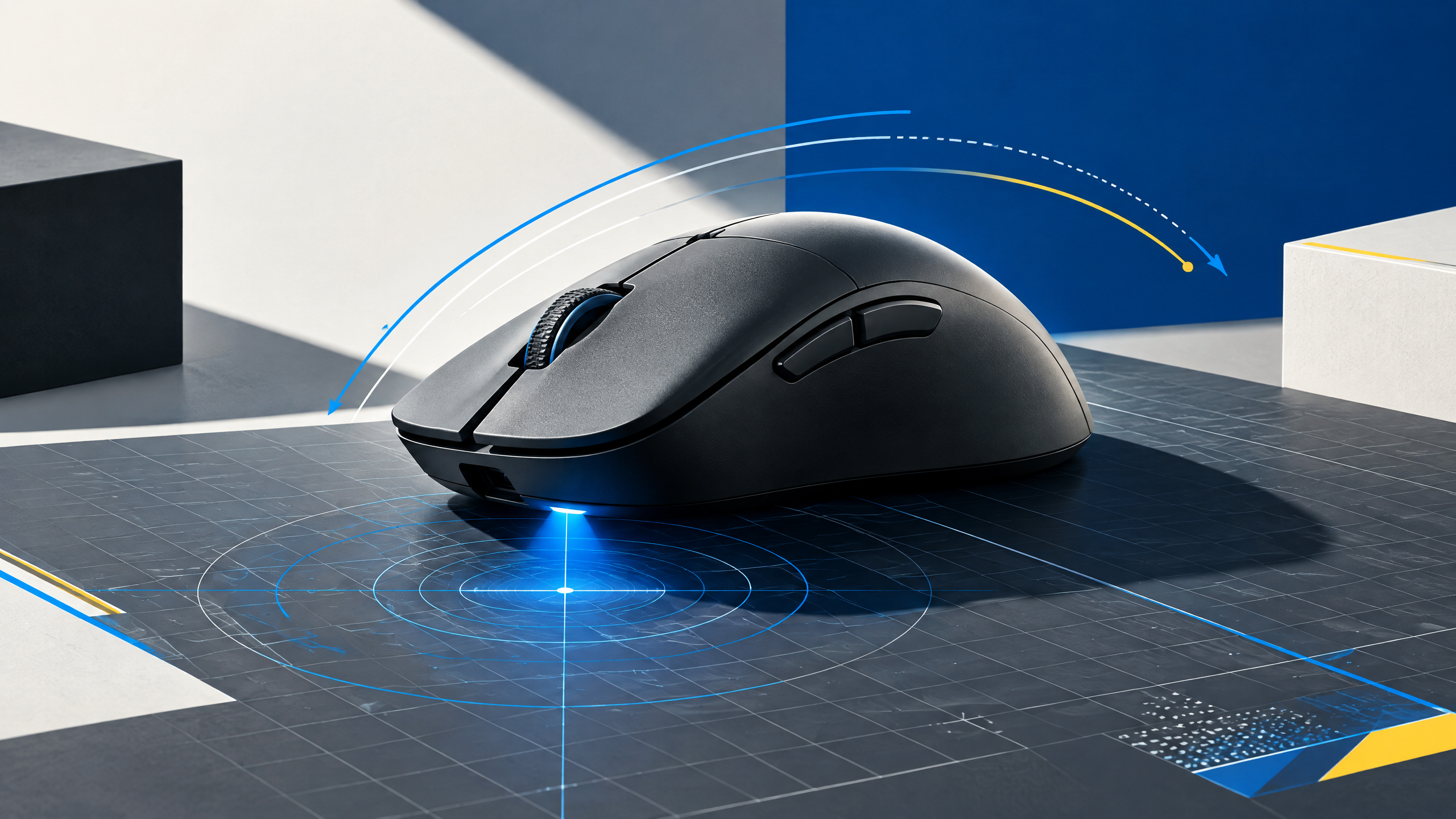
Rainbow Six Siege combines tight angles with instant headshot punishment, so consistency matters more than a flashy feature list. A strong mouse should suit your hand, track cleanly, and stay dependable through repeated micro-adjustments. This guide uses pro trends as context while helping players compare shape, weight, sensor implementation, click feel, polling rate, and wired or wireless reliability in a practical test routine with confidence.
A mouse is the physical link between intention and movement. Shape, grip, weight, sensor behavior, clicks, and wireless execution should be evaluated together; headline specifications alone cannot tell you whether a shell fits your hand.
Optimize for micro-adjustments and angle holding
Micro-adjustments and holding tight angles require a mouse whose sensor is rock-solid at low-speed corrections and whose shape keeps your hand settled. Favor a shell that allows fingertip or claw manipulation without forcing wrist torque when you tap to micro-peek. Consistent glide and a neutral weight distribution make small, repeated corrections feel natural instead of shaky.
Compare ergonomic and ambidextrous shells
Ergonomic shells offer natural hand support and reduce fatigue during long rounds, while ambidextrous bodies can suit mirrored angles and off-hand tool use but sometimes lack targeted thumb support. Choose the profile that lets your thumb and pinky anchor without gripping too hard. For players who swap stances or hands, a light ambidextrous mouse with minimal protrusions preserves uniform inputs.
Check radio stability, cable feel, and feet
Wired setups often provide the simplest, most consistent feel; check cable drag and paracord-like flexibility so the cord doesn’t pull during subtle angle adjustments. Wireless radio stability is essential if you need a clutter-free desk—evaluate interference resilience and battery behavior. Also inspect mouse feet material and shape to ensure smooth, even contact for repeatable slide and stop motions.
Keep the feature set focused on round-winning inputs
Feature bloat can disrupt focus in Siege; prioritize inputs that directly affect angle control, like primary click quality and a confident scroll and side button layout. Macro-heavy suites or complex lighting are secondary considerations—keep the functional toolset tight so muscle memory builds around a small, dependable set of actions that win rounds.
Field check
Before you keep this choice, run the following short check in your own setup:
- Measure hand position and grip before comparing brands.
- Test the shell with your real sensitivity and mousepad.
- Ignore features that add complexity without improving control.
Validate before you settle
Run a short session that mimics the claustrophobic engagements you face: entry peeks, tight-angle flicks, and repeated micro-movements. Confirm the shell supports stable grip, the sensor stays accurate at low speeds, and cord or radio behavior is consistent. If any element reduces repeatability, continue testing until the hardware becomes an unobtrusive extension of your play.
Source and next route
This PlayerCFG field note is original editorial copy built from public settings and gear research. It does not reproduce the source article. For the underlying reference, visit Best Mouse for Rainbow Six Siege X .
DATA NOTECurrent source branding uses Rainbow Six Siege X while the article body often says Rainbow Six Siege; keep naming consistent with the target site. Image is remote ProSettings media; verify licensing and attribution. PlayerCFG is not affiliated with the referenced publisher, game studio or hardware brand.
OPEN PLAYER INDEX