
Silent Style: Building a USP-S Skin Setup in CS2
Explore expressive and understated USP-S skins in CS2, comparing artwork, finish, wear, and sticker-friendly choices for a cohesive CT-side loadout.
open --guide-skins READY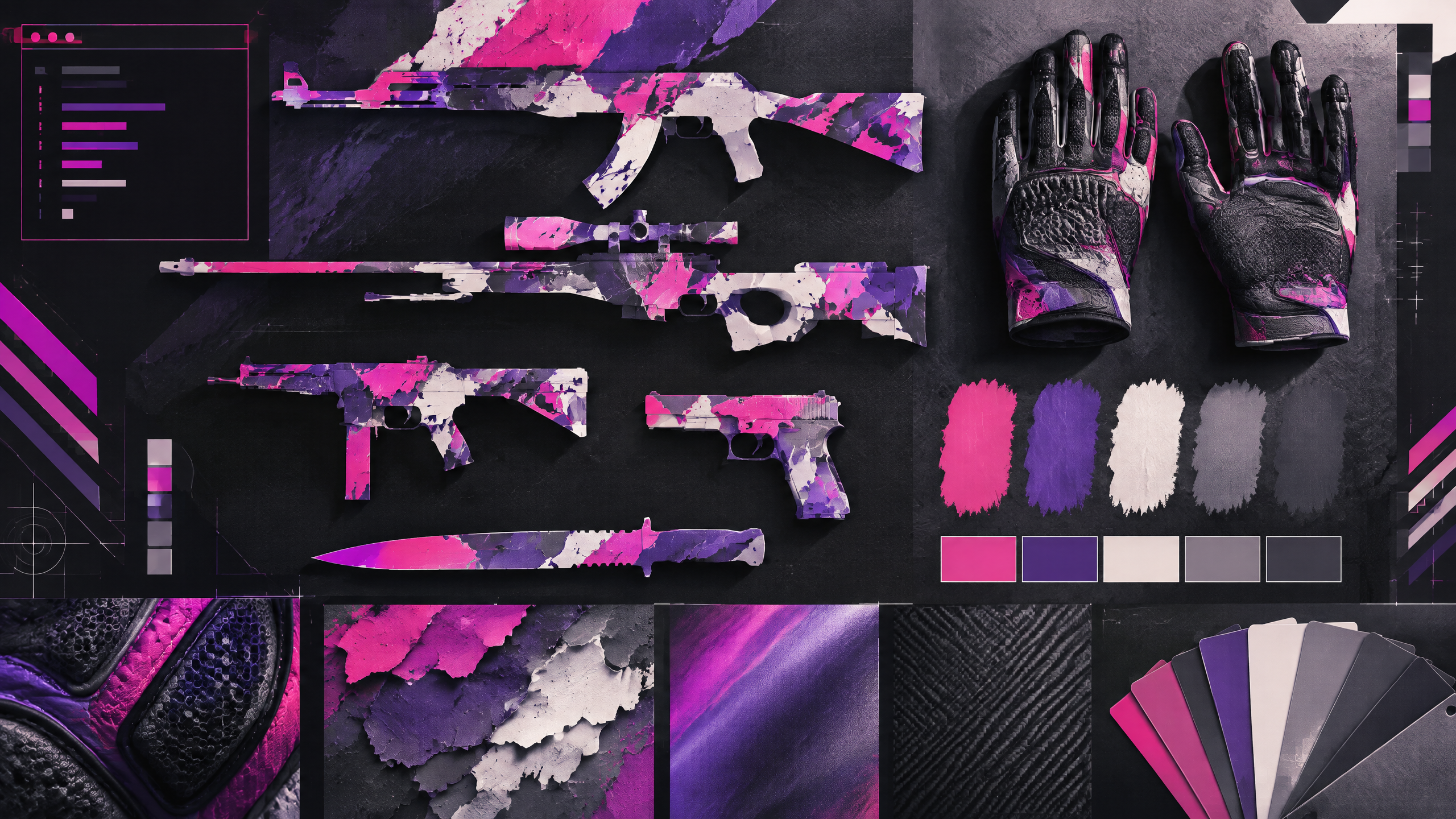
The USP-S is a small part of the inventory but a constant presence in CT rounds, making it an ideal canvas for personal style. This guide turns a popularity list into a practical design exercise: weigh bold illustration against clean geometry, think about wear before buying, and decide whether the pistol should match your gloves, knife, or broader color theme. The result is a more intentional silenced-pistol setup.
A strong cosmetic loadout has a point of view. Use color, contrast, wear, pattern and budget to build a visual system rather than copying one inventory or treating pro popularity as a buying instruction.
Pick a visual language for the silenced pistol
Choose a visual language that reflects how often the pistol will be seen and what mood you want to project. Geometric or minimalist languages present a crisp, legible look suited to a utility weapon seen every round, while illustrated or heavily themed options make the pistol a small focal point of personality. Think about whether the USP-S should quietly support the rest of the kit or serve as a recurring accent; this decision guides whether you pursue bold detail or restrained simplicity.
Balance clean surfaces against illustrated finishes
Clean surfaces emphasize silhouette and color consistency, which keeps the silenced pistol readable in rapid exchanges and through motion. Illustrated finishes introduce character but can become visually noisy at the scale of a pistol, especially during recoil animation. Balance the desire for standout art with the need for clarity: opt for bold, simple motifs if you want illustration, or choose minimal geometric patterns for a refined, understated appearance that won’t clash with other inventory pieces.
Use wear and crafts to control the final look
Wear and craft options are practical tools to shape the final look. Lower-wear examples preserve crisp edges and color vibrancy, while higher wear can mute or distress the design for a grittier feel. Stattrack, name tags, and craft embellishments let you fine-tune how the pistol presents over time. Factor in how repeated handling will change textures and choose a wear level and craft plan that reach your intended aesthetic after normal in-game use.
Tie the CT-side accent into the rest of the inventory
Tie the pistol into a larger CT-side color story by echoing accents on gloves and knife rather than matching everything exactly. Use shared hues or complementary contrasts to create cohesion without forcing identical patterns. Audit the first-person view in motion to ensure the USP-S remains consistent with your chosen palette and doesn’t draw unintended focus during clutch moments; small harmonies often read better than strict match-ups.
Field check
Before you keep this choice, run the following short check in your own setup:
- Choose a color anchor before adding more items.
- Inspect wear and pattern in the actual first-person view.
- Set a spending limit and treat market demand as changeable.
Validate before you settle
Confirm your setup by checking the pistol in typical play animations and with your preferred gloves and knife. Let wear forecasts and craft options shape final expectations before committing. Aim for an unobtrusive but purposeful pistol that reinforces your inventory’s overall tone rather than competing with it.
Source and next route
This PlayerCFG field note is original editorial copy built from public settings and gear research. It does not reproduce the source article. For the underlying reference, visit The Best USP-S Skins in CS2 (According to the Pros) .
DATA NOTEThe source page exposes a ProSettings OG image; licensing/attribution is unconfirmed, so do not reuse it without permission. The pro-usage framing and any market context may be stale as the page was last modified in 2025. PlayerCFG is not affiliated with the referenced publisher, game studio or hardware brand.
OPEN CS2 INDEX