
The VALORANT Aim-Ready Mouse Checklist
Choose a VALORANT mouse by evaluating shape, sensor behavior, wireless stability, polling rate, weight, and the demands of low-time-to-kill fights.
open --guide-mice READY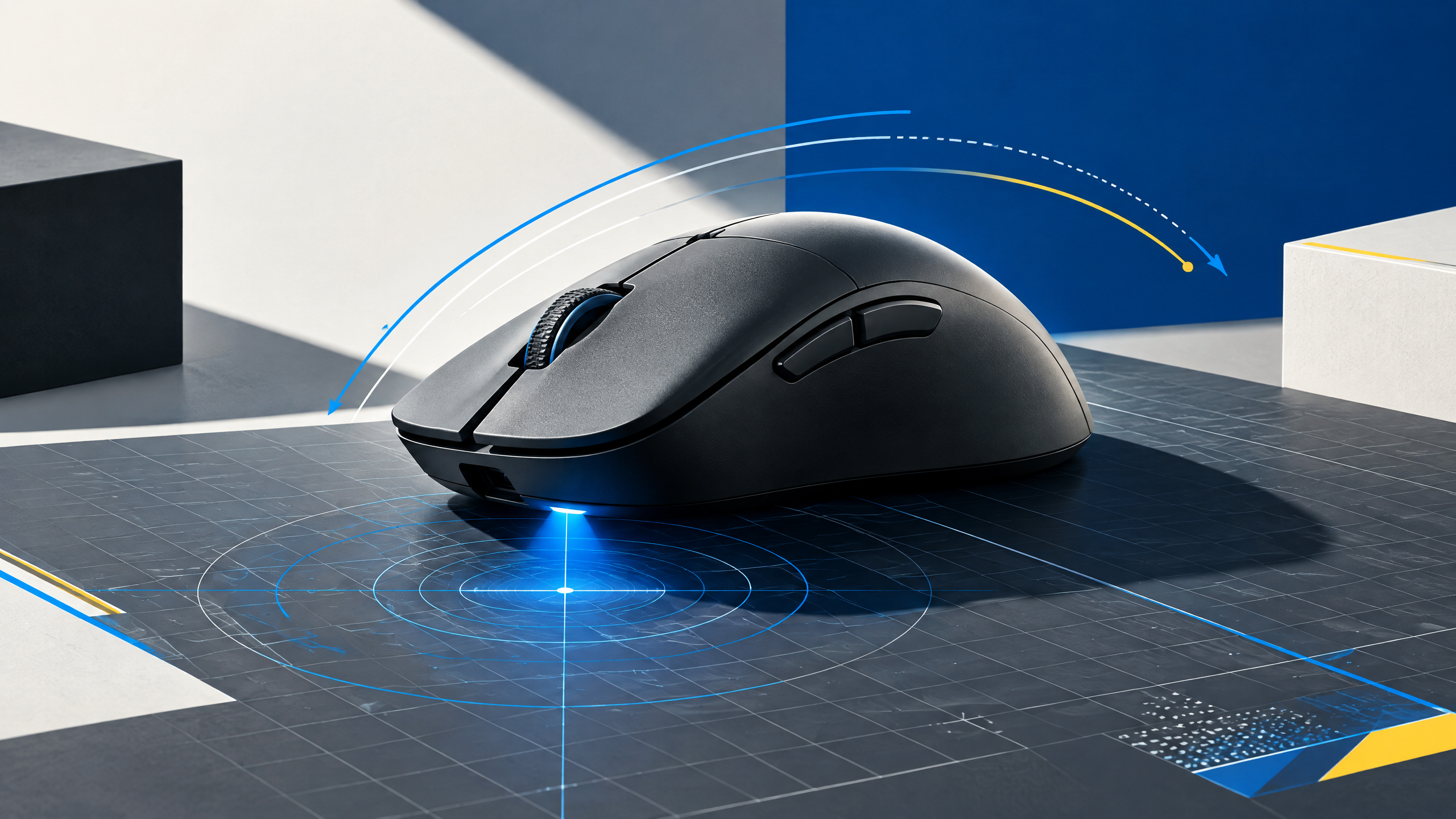
VALORANT compresses engagements into tiny timing windows, so a mouse should translate small corrections predictably and remain comfortable through long practice blocks. Pro usage can reveal strong starting points, but shape, grip, weight, click feel, wireless behavior, and system compatibility decide whether a recommendation works for you in ranked matches. This guide turns those variables into a focused competitive buying process.
A mouse is the physical link between intention and movement. Shape, grip, weight, sensor behavior, clicks, and wireless execution should be evaluated together; headline specifications alone cannot tell you whether a shell fits your hand.
Start with crosshair control and hand position
Crosshair control starts with a comfortable, repeatable hand position that matches your micro-adjustment needs. Position your hand so the fingertips and palm maintain consistent contact without tension, and test small-angle corrections to ensure the shell does not introduce torque. The mouse should allow quick, precise flicks and steady follow-ups while enabling relaxed practice sessions without grip strain.
Check sensor and radio behavior at your sensitivity
Verify sensor and radio behavior at the sensitivity you actually use rather than chasing maximum DPI. Test for linearity, angle consistency, and lack of smoothing across the motion ranges that VALORANT demands. For wireless, run repeated micro-correction drills to ensure the radio remains stable during bursts and under typical desk interference. Confirm lift-off and re-entry behavior won’t disrupt quick resets.
Decide whether high polling fits your PC
Decide if a very high polling rate benefits your system by testing for consistent USB timing and CPU headroom. If your rig sustains stable processing, higher polling can shave input variance, but if drivers or USB scheduling fluctuate, it can introduce jitter. Balance theoretical gains against the real-world responsiveness your setup delivers and prefer stable, repeatable report timing over marginal latency improvements.
Filter recommendations by comfort, not popularity
Filter recommendations through comfort first, not popularity. Prioritize a shape and click feel that lets you train without fatigue and a sensor that reproduces tiny wrist motions reliably. Use pro choices to narrow archetypes, then validate with trials focused on crosshair placement drills and match-like scenarios. Comfort and predictability trump trend-driven selections every time.
Field check
Before you keep this choice, run the following short check in your own setup:
- Measure hand position and grip before comparing brands.
- Test the shell with your real sensitivity and mousepad.
- Ignore features that add complexity without improving control.
Validate before you settle
Validate your final pick with focused aim sessions that reflect ranked match conditions: long practice blocks, flick drills, and ability usage. Keep modifications small and measurable, and only adopt changes that consistently improve control across repeated trials.
Source and next route
This PlayerCFG field note is original editorial copy built from public settings and gear research. It does not reproduce the source article. For the underlying reference, visit Best Mouse for VALORANT .
DATA NOTEThe page is actively updated with 2026 player data, but product order can change quickly. Metadata image is ProSettings-hosted and remote; obtain image licensing/attribution clearance. PlayerCFG is not affiliated with the referenced publisher, game studio or hardware brand.
OPEN VALORANT INDEX