
VALORANT GPU Guide: Spend Where It Counts
Choose a VALORANT GPU by matching CPU performance, refresh rate, resolution, latency features, and value instead of paying for performance the game cannot use.
open --guide-setups READY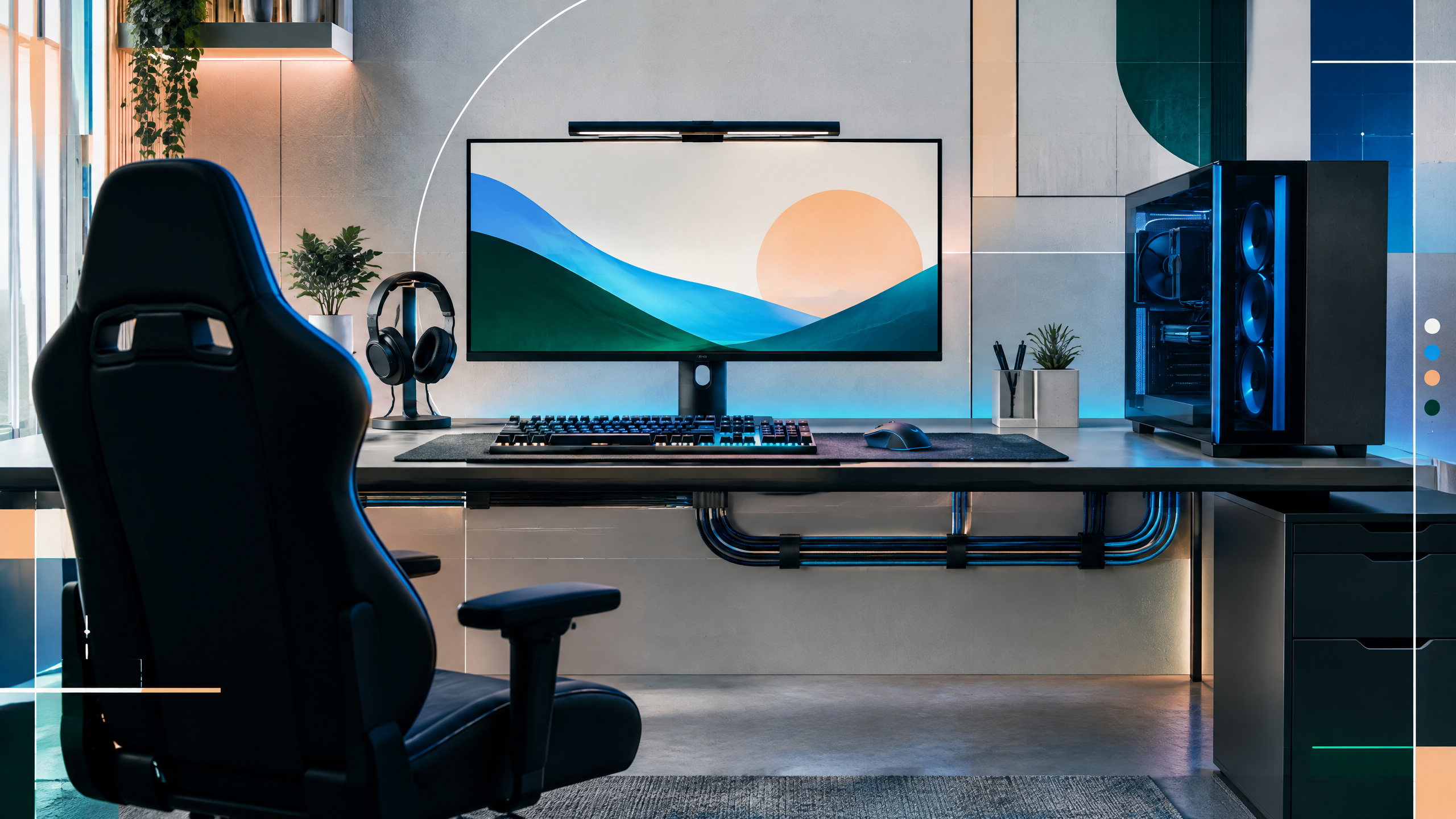
VALORANT is mostly CPU-oriented at common competitive settings, which makes GPU selection refreshingly straightforward. We will compare practical cards for 144Hz, 240Hz, 360Hz, and higher-resolution play, while covering CPU pairing, latency features, VRAM, and upgrade value. The goal is to avoid overspending on a flagship when a balanced midrange card already clears the monitor’s refresh target comfortably for your setup.
The rest of the setup shapes every session. Desk depth, seating fit, hardware balance, thermals, cables and long-session comfort deserve the same deliberate attention as in-game settings.
Find the CPU-GPU balance at competitive settings
At competitive VALORANT settings the CPU and display refresh dominate perceived responsiveness, so choose a GPU that complements rather than bottlenecks your processor. Aim for a card that reliably exceeds your monitor’s refresh at your preferred settings after accounting for CPU headroom. Avoid oversized GPUs that won’t change frame pacing at common competitive resolutions. Balance thermal and power budgets so the CPU can sustain high single-thread performance; an efficient midrange GPU often yields the best overall experience when paired with a strong CPU.
Cards for 144Hz, 240Hz, and 360Hz
For 144Hz play, a midrange GPU that comfortably clears the refresh at low-to-medium settings is the practical target; anything beyond that offers limited competitive gain. At 240Hz and 360Hz, prioritize consistent frame timing and minimal microstutters over peak frame numbers — this usually means slightly higher GPU performance plus ensuring the CPU and memory are not limiting. Higher-resolution play (1440p and above) benefits from a stronger GPU to maintain the same smoothness, but remember that the game’s CPU-bound nature still influences results at high refresh.
Reflex, Anti-Lag, and practical latency choices
Hardware features marketed for latency reduction can help, but their benefits depend on the whole system. Choose cards and drivers that support low-latency modes and ensure they are enabled in the OS and game. Focus on eliminating CPU-side bottlenecks, optimizing background processes, and using consistent frame pacing; these steps often produce larger latency improvements than any single feature. Prioritize stability and predictable frame delivery so you get the intended responsiveness from both the GPU and the display.
When extra GPU power helps other games
Extra GPU power pays off when you play other titles that are more GPU-bound, use higher resolutions, or enable effects like ray tracing or high-quality shadows. If you frequently switch between competitive shooters and visually rich single-player games, a stronger GPU provides clear benefits. If your play is exclusively competitive at standard resolutions, that extra headroom is lower value. Consider the upgrade path and resale value: a moderate increase in GPU power can extend usefulness without overspending on the top flagship.
Field check
Before you keep this choice, run the following short check in your own setup:
- Measure the desk, chair or component before shopping.
- Prioritize stability, thermals and comfort over decorative extras.
- Recheck current pricing, warranty and compatibility before buying.
Validate before you settle
Validate your choice by matching expected frame delivery to your monitor and factoring in CPU capability and thermal limits. Test in real conditions, prioritize smooth frame pacing over headline numbers, and confirm driver and OS settings for low-latency operation. If you play varied titles, weigh GPU headroom against budget; if not, favor balance and consistency for the best return on investment.
Source and next route
This PlayerCFG field note is original editorial copy built from public settings and gear research. It does not reproduce the source article. For the underlying reference, visit Best GPU for VALORANT .
DATA NOTELast modified May 27, 2026; VALORANT patches, Reflex/Anti-Lag support, drivers, prices, and CPU pairing can change the practical ranking. Recheck current frame-time tests. The hero image is found remotely; license it or replace it with original artwork. PlayerCFG is not affiliated with the referenced publisher, game studio or hardware brand.
OPEN VALORANT INDEX